This guide explains how to easily generate a QR code or shareable link on Sportivo, allowing players, coaches and managers, to be added to a team. Users can quickly access the Sportivo app, be added to the selected team, and receive real-time updates including fixtures, results, announcements, and notifications.
1. Navigate to https://sportivo.app/v3/#/auth/sign-in
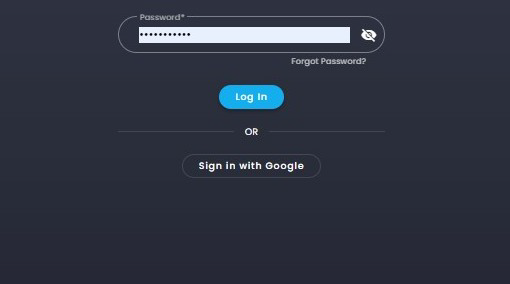
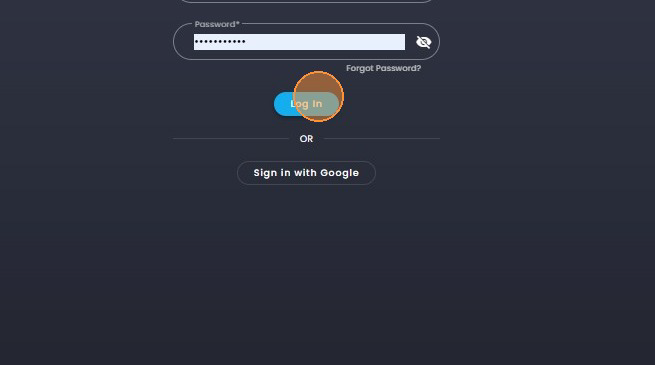
2. Click on "Log In".
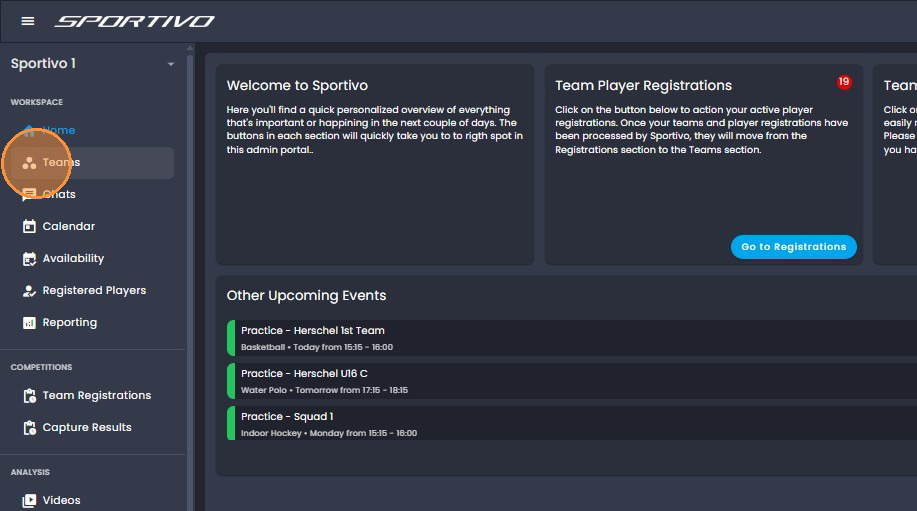
3. Click on "Teams".
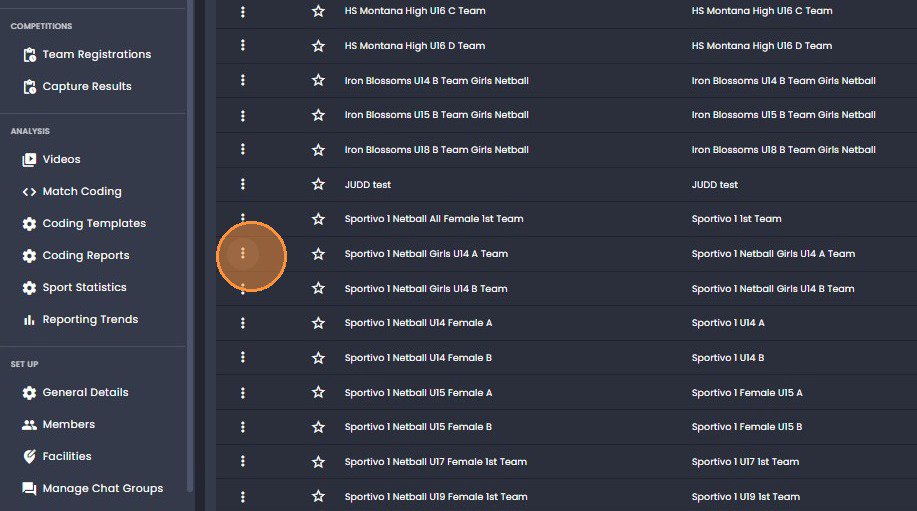
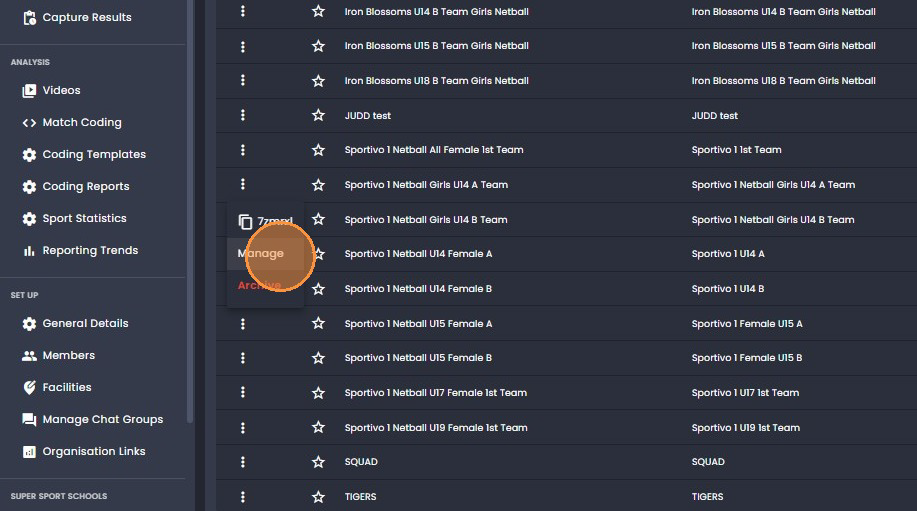
4. Click on the three dots alongside the team.
5. Click on "Manage".
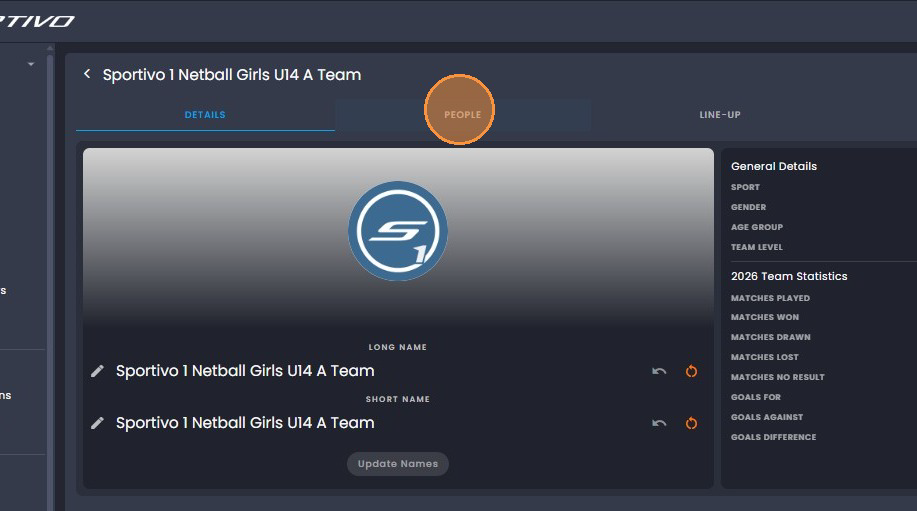
6. Click on "People".
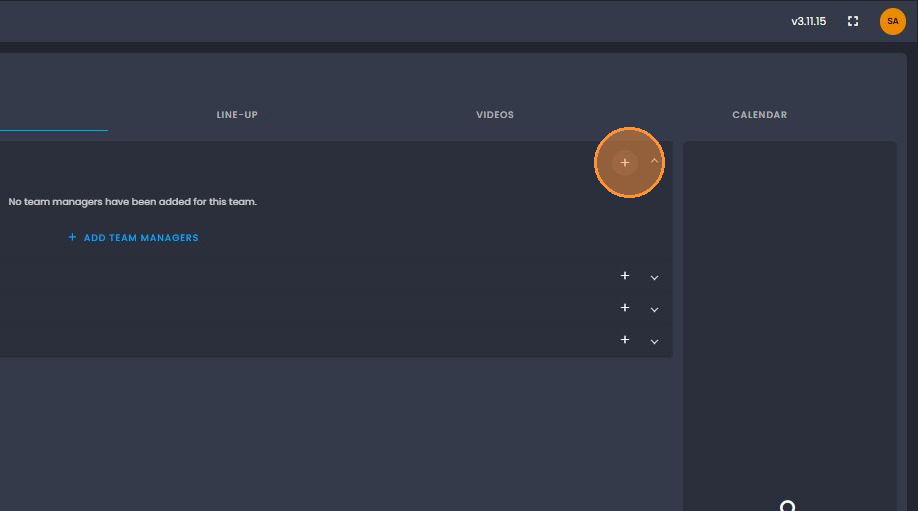
7. Click on the "+" to the right of the Team Manager, Head Coach, Assistant Coaches
and Players.
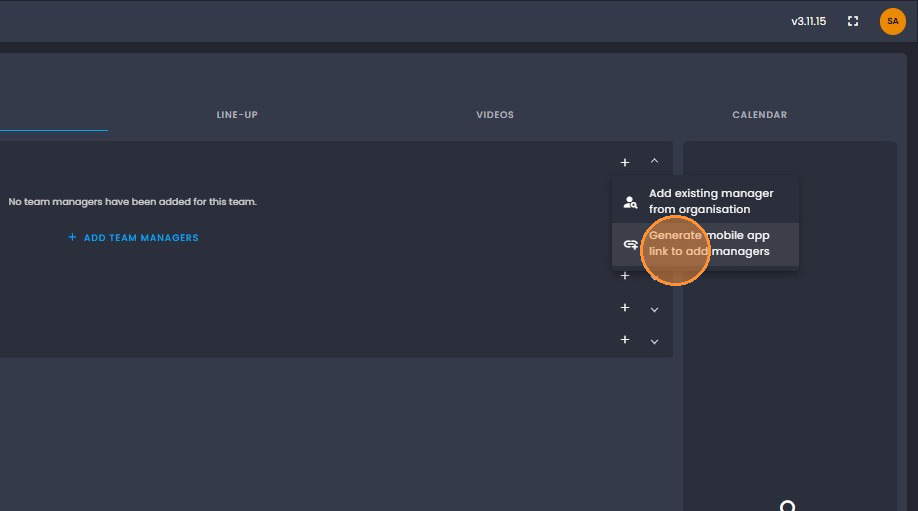
8. Click on "Generate mobile app link to add managers, the same applies to when
generating the QR code and link for the head coaches and assistants or players.
Click on the + and select Generate mobile app link.
9. Click on "Download QR Code" and you can send it via Email or Whatsapp.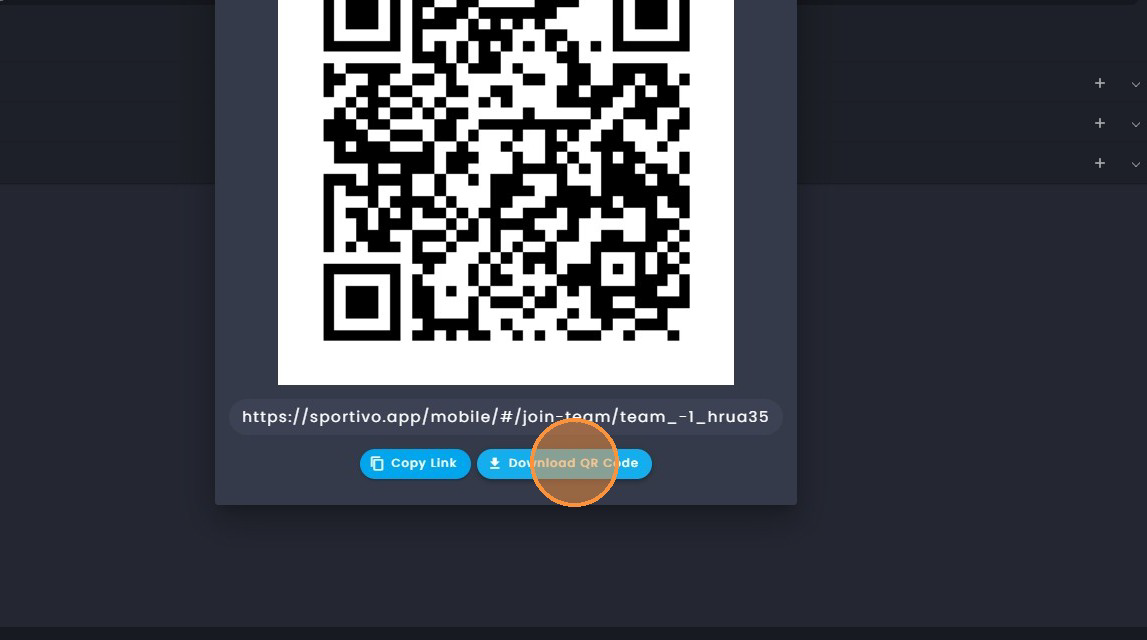
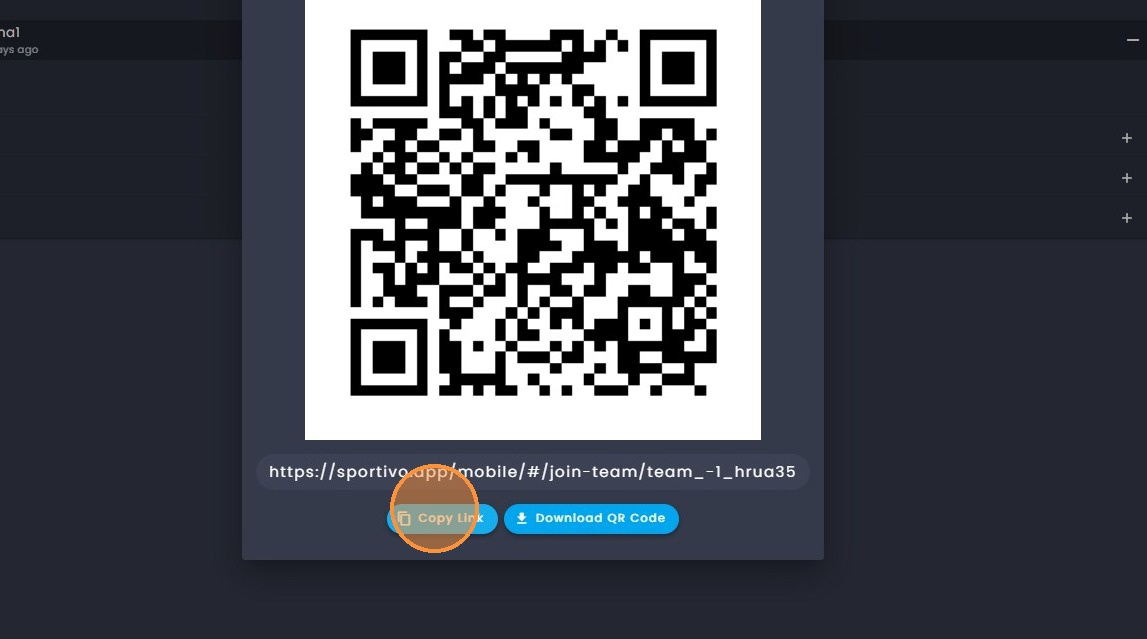
10. Click on the copy link to send the link. This can be sent via email or Whatsapp.
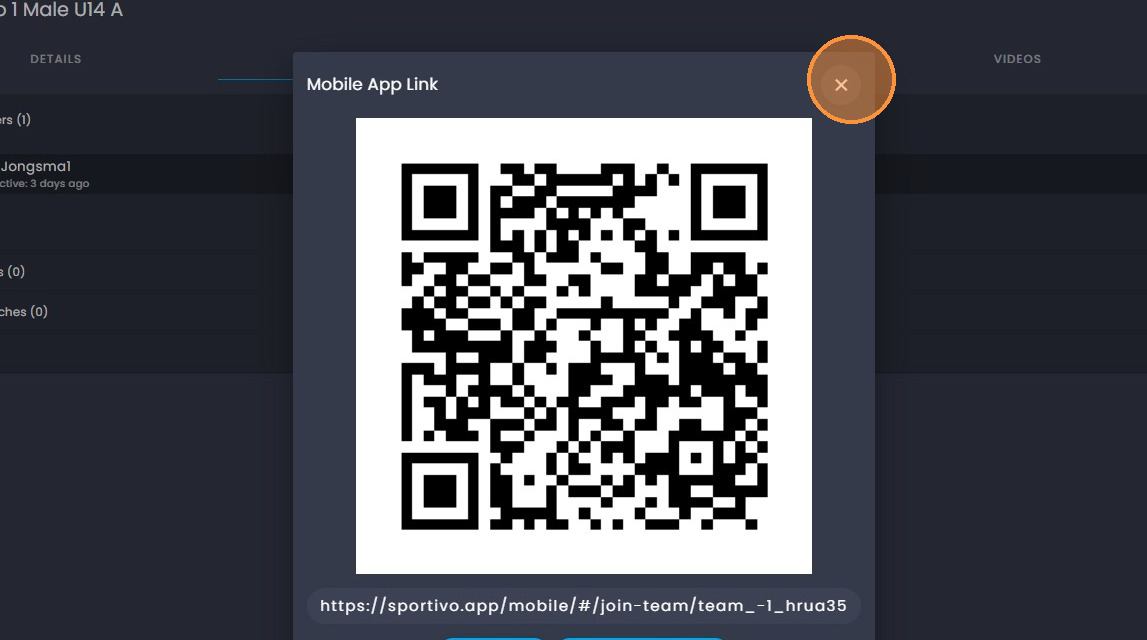
11. Click on the "X" to exit.
Was this article helpful?
That’s Great!
Thank you for your feedback
Sorry! We couldn't be helpful
Thank you for your feedback
Feedback sent
We appreciate your effort and will try to fix the article