This guide provides step-by-step instructions on how to add players to a rugby team registration using the Sportivo app. It includes detailed steps and shortcuts, making it easy for anyone to follow along. If you need to add players to your rugby team manually, this guide will help you do it efficiently and accurately.
1. Navigate to https://sportivo.app/v3/#/portal/dashboard

2. Click "Log in"

3. Type in your email address and password and click on "Go to New Admin Portal".
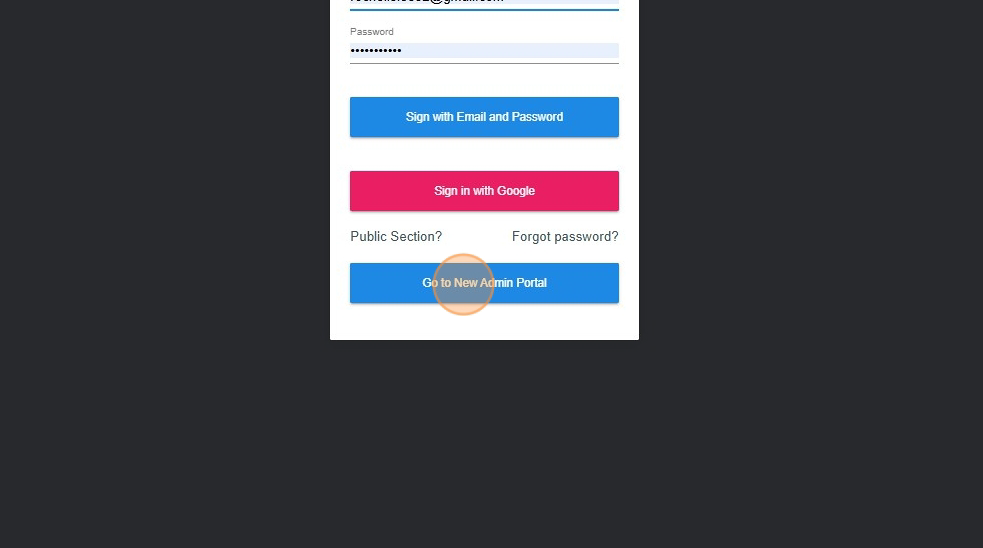
4. Click on "Teams".
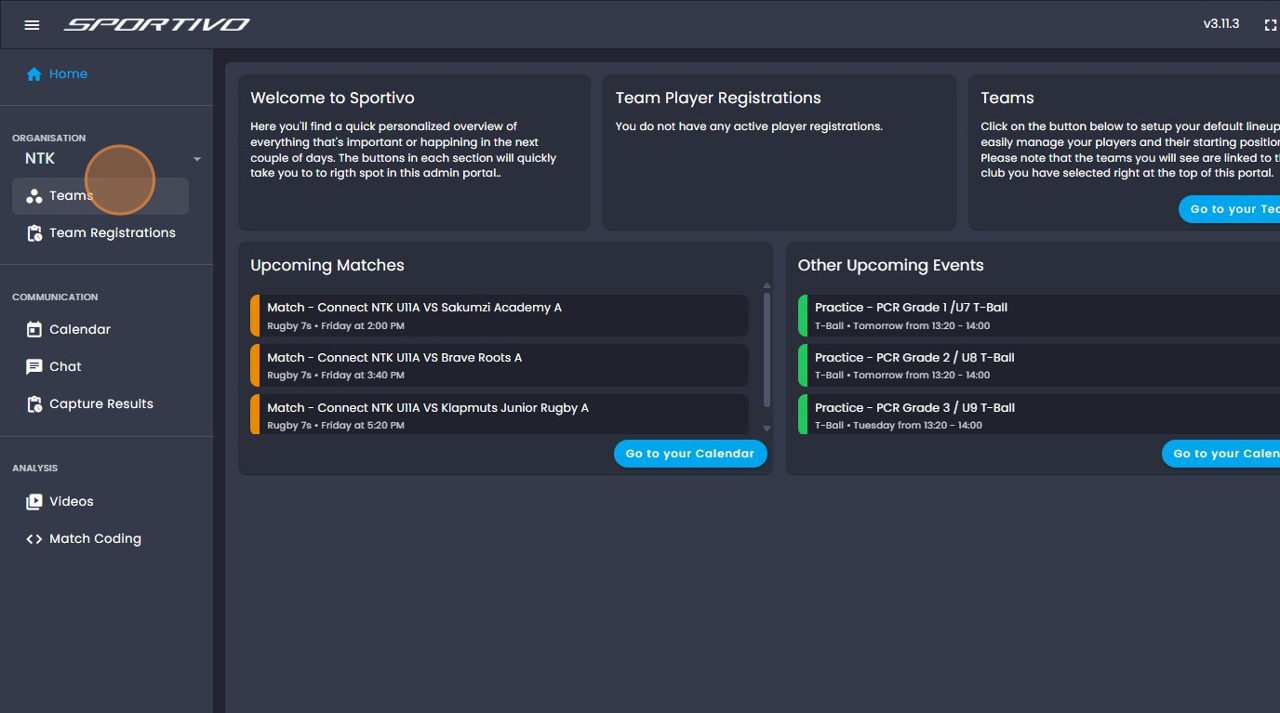
5. Click on the three dots.
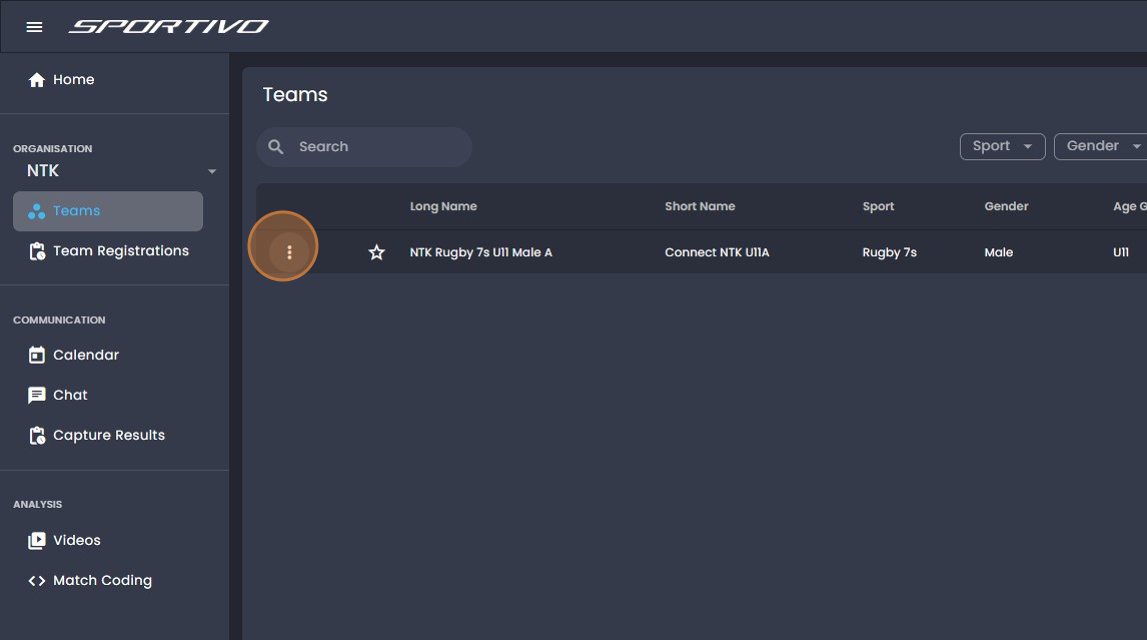
6. Click on "Manage".
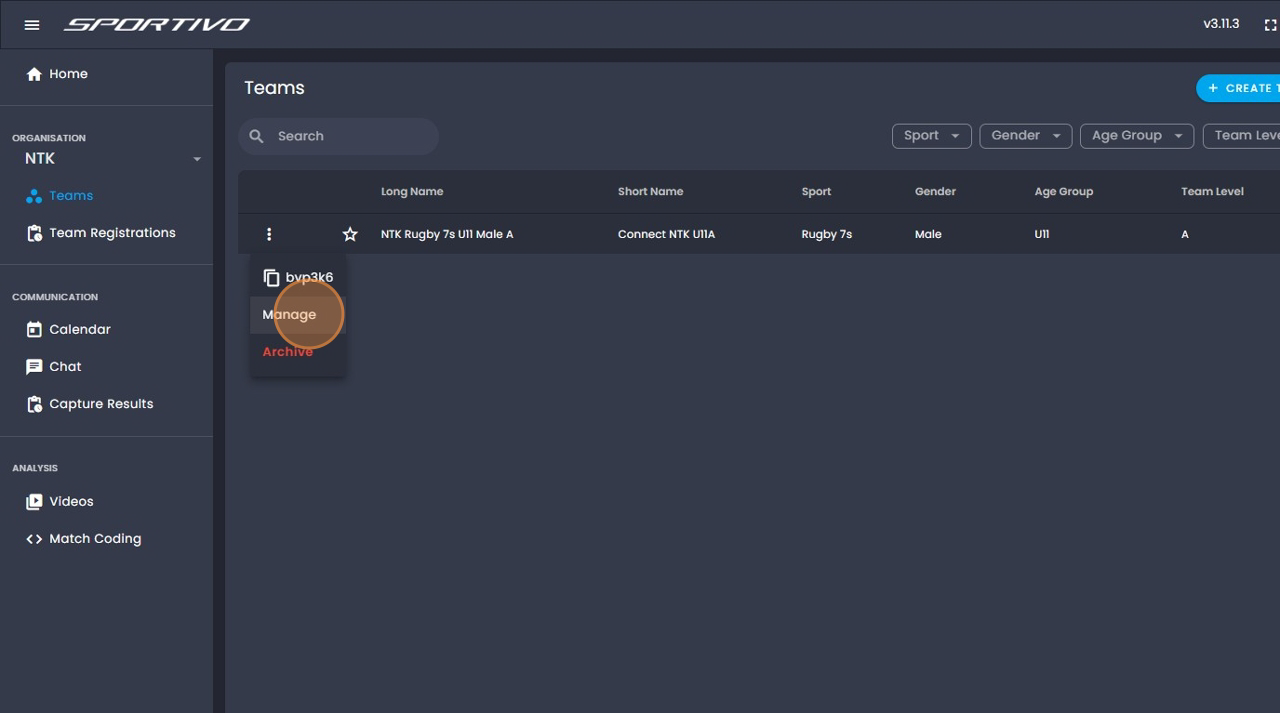
7. Click on "People".
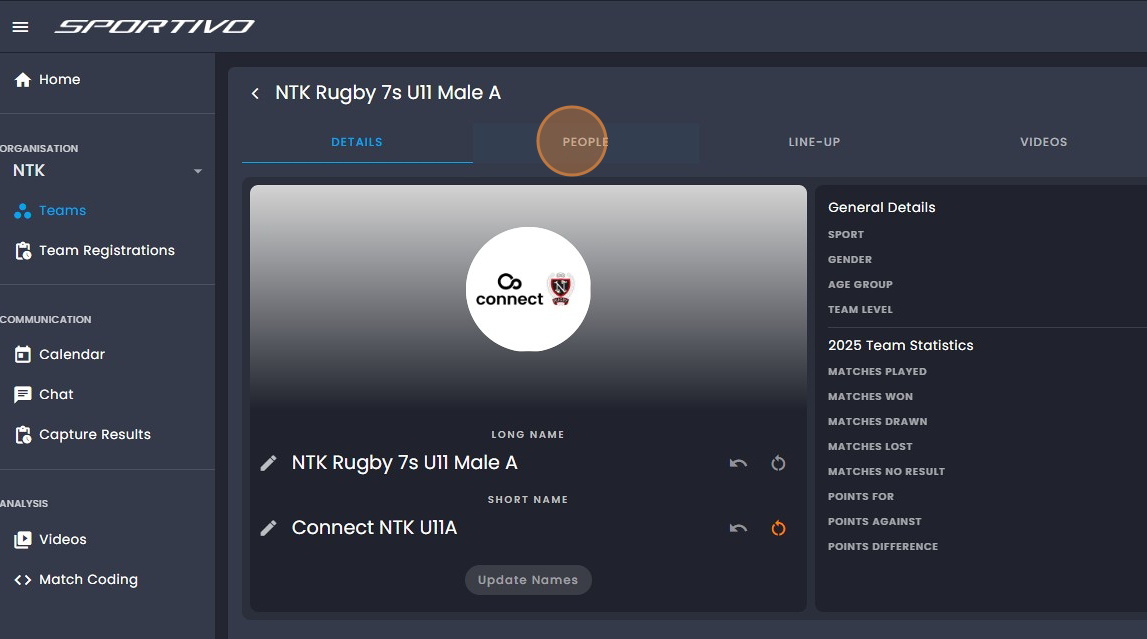
8. Click on the "+" next to people.
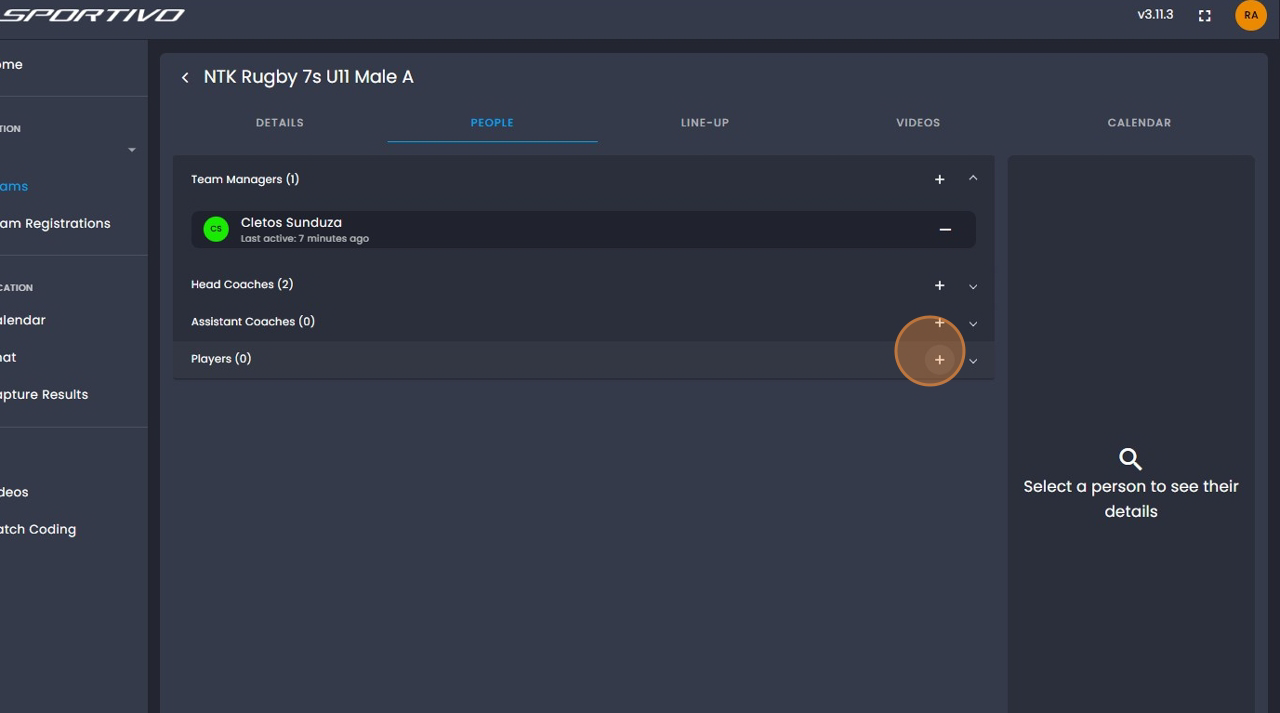
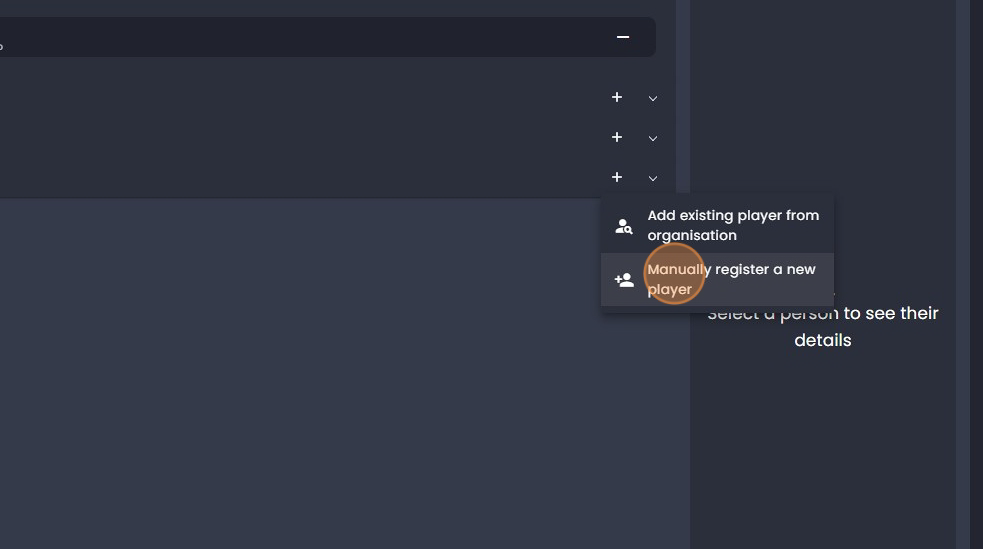
9. Click on "Manually register a new player".
10. Click on "Name".
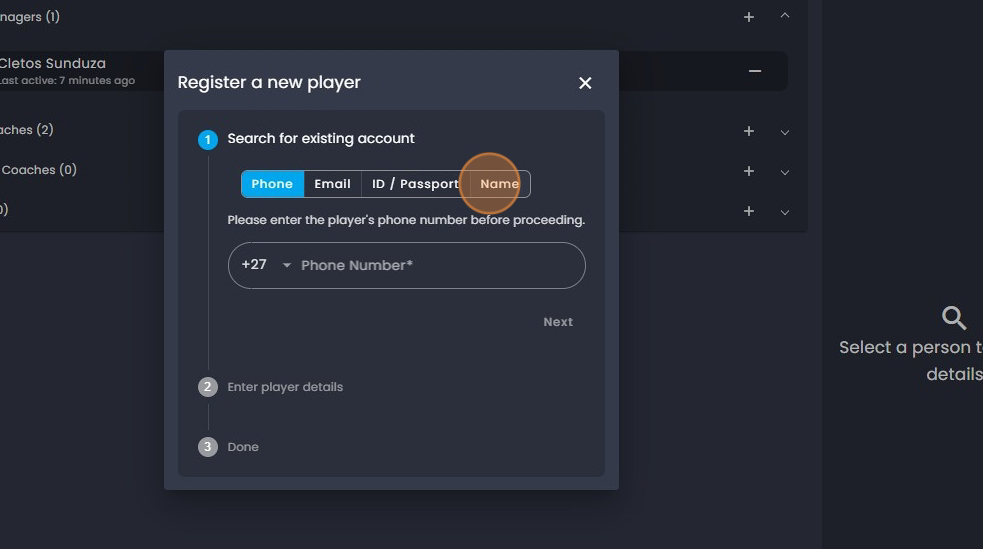
11. Type in the players "First Name".
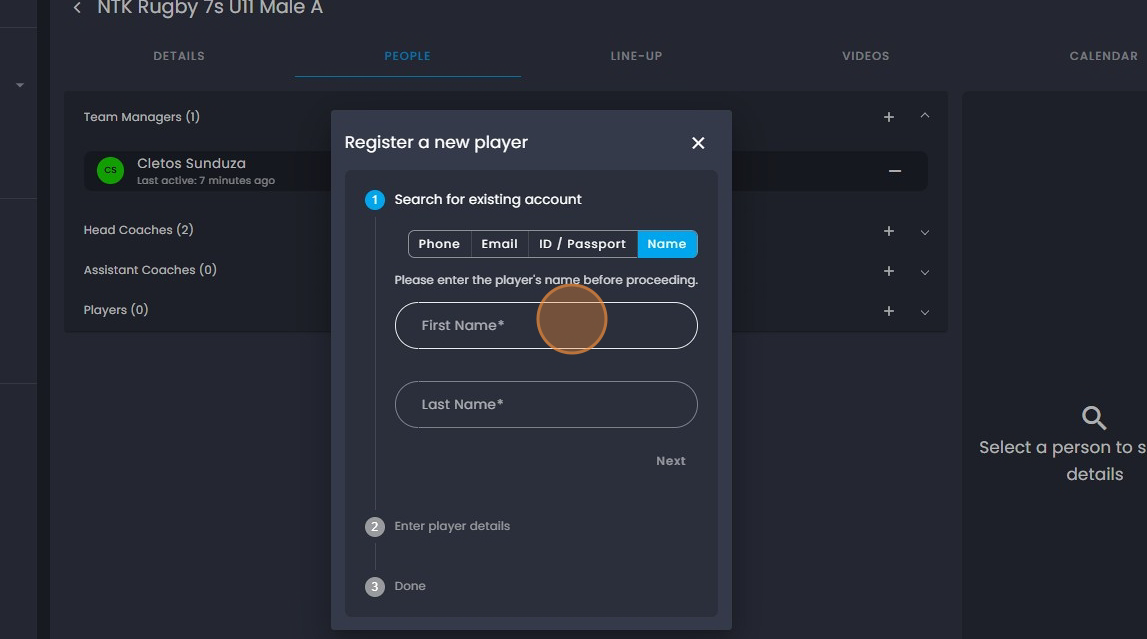
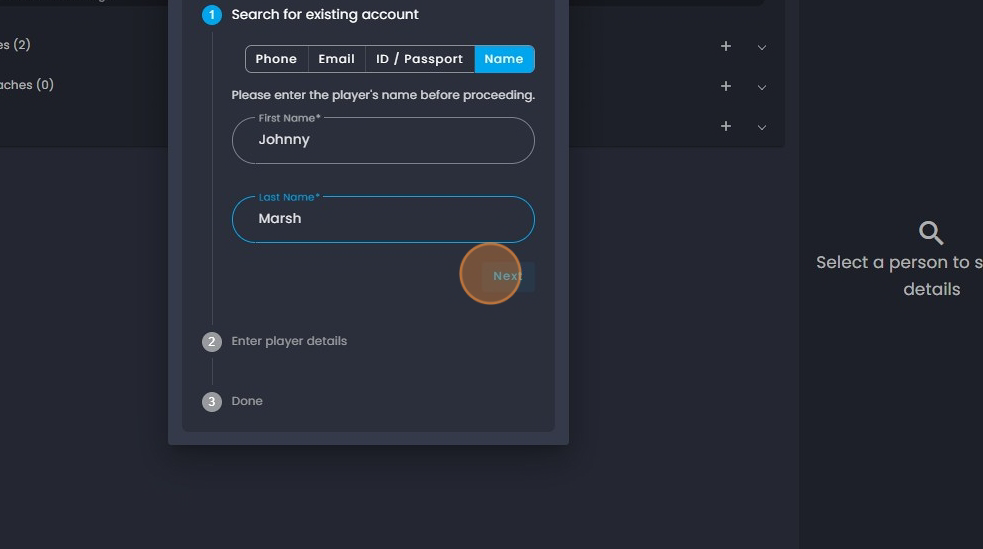
12. Type in the players "Last name".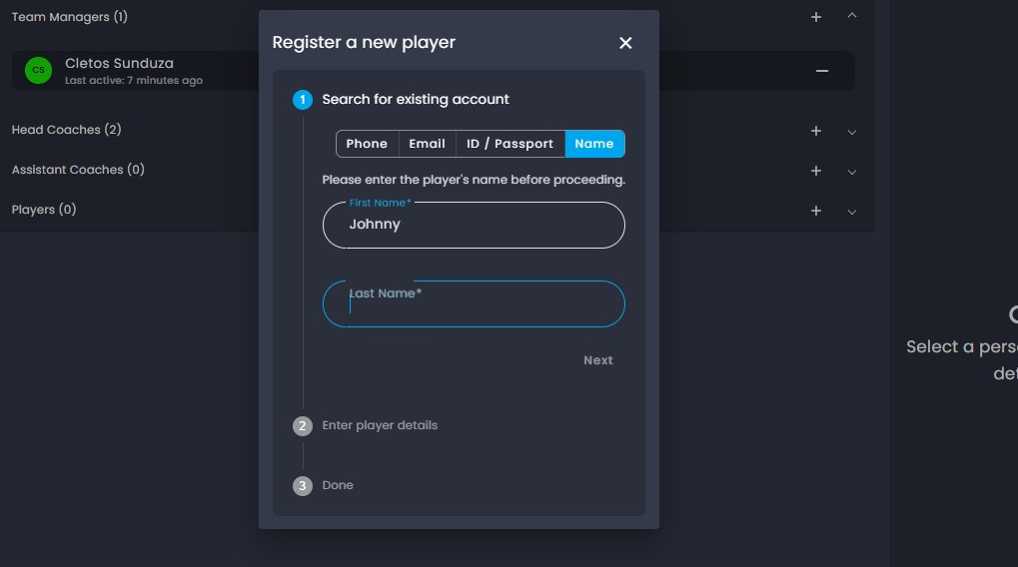
13. Click on "Next".
14. Click on the calendar icon here.
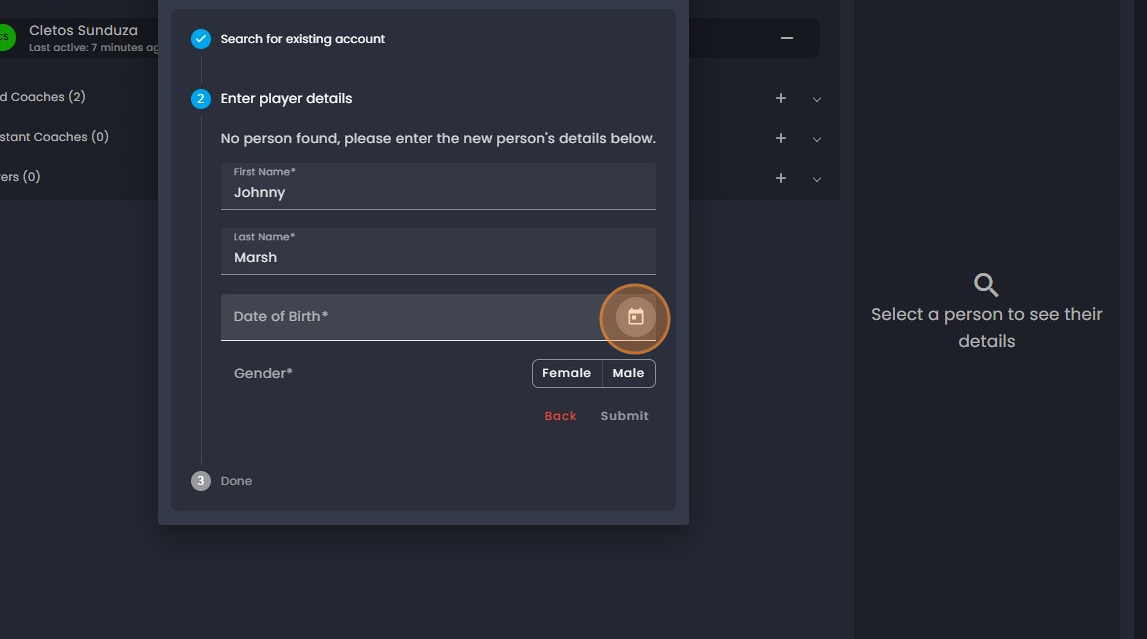
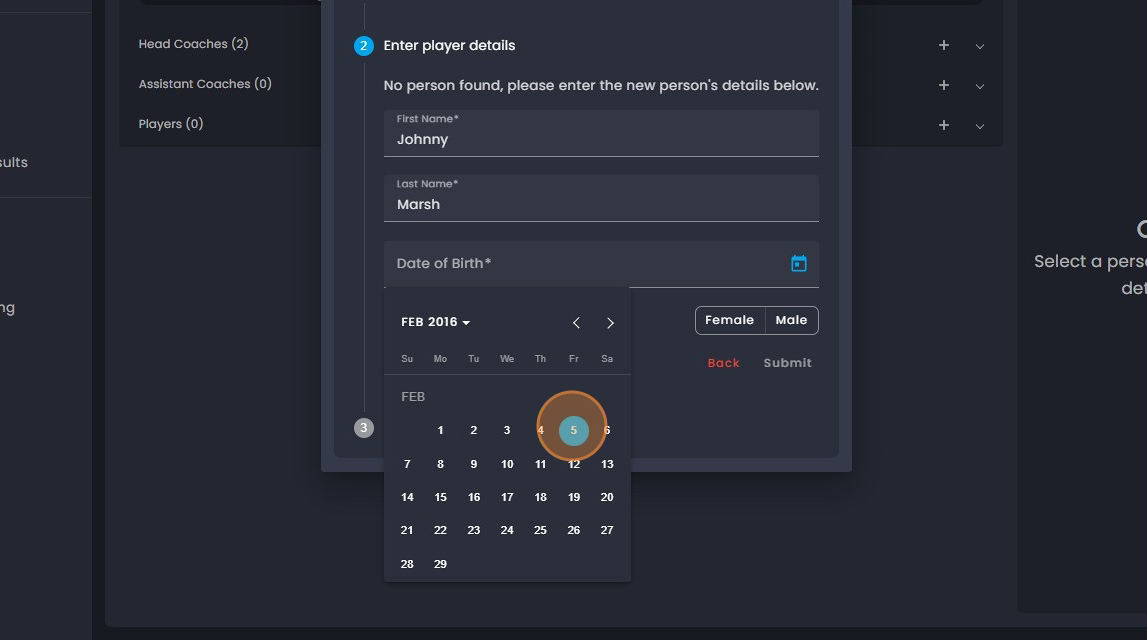
15. Select the year, month and day for the players DOB.
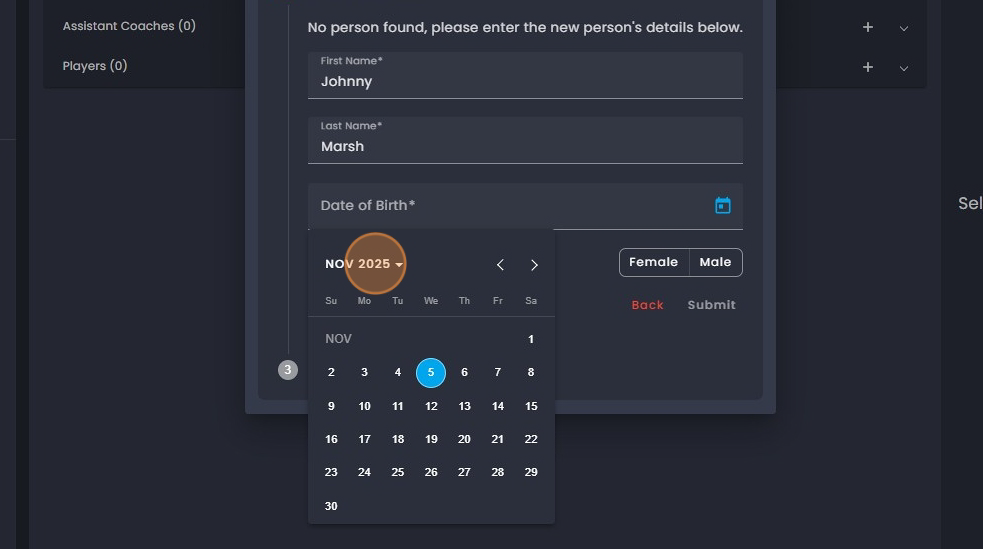
16. Select the Month.
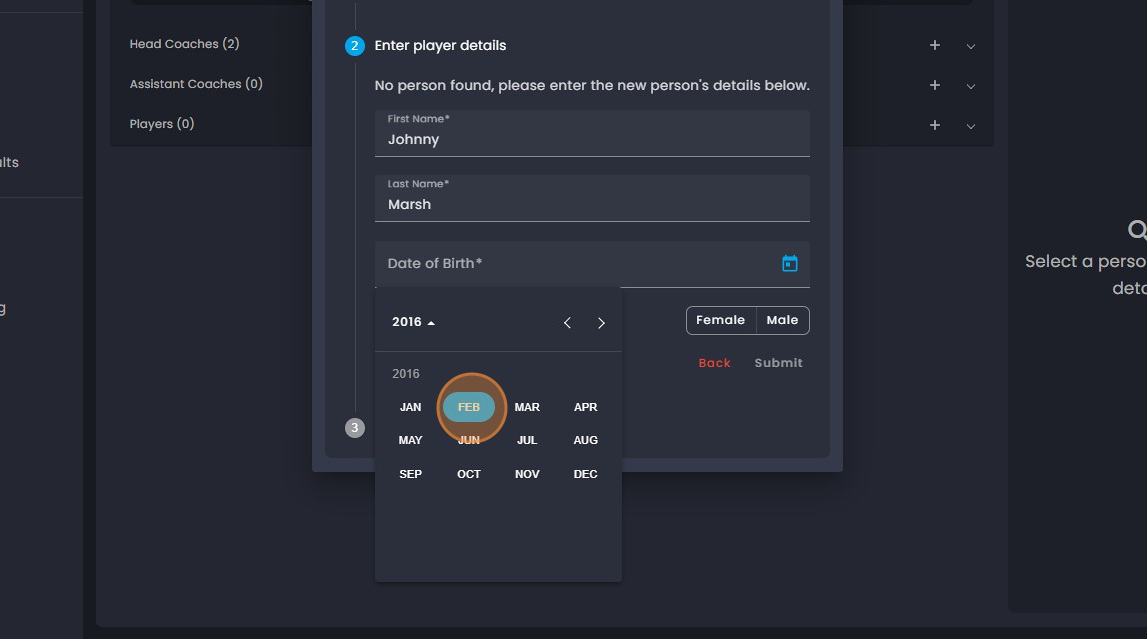
17. Select the day.
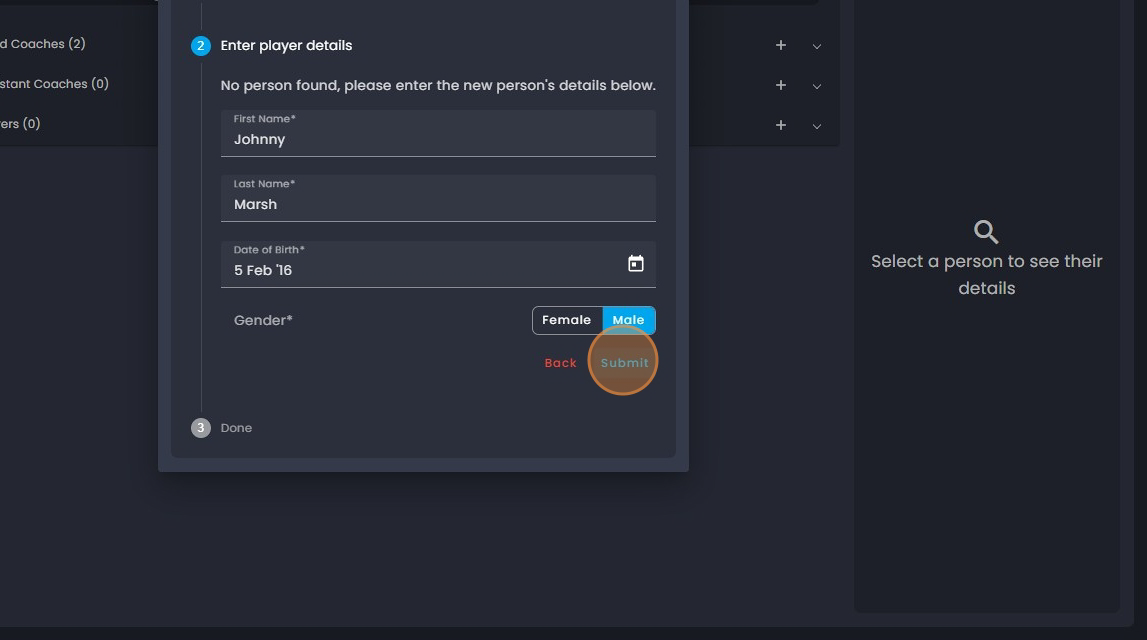
18. Click on the gender "Male".
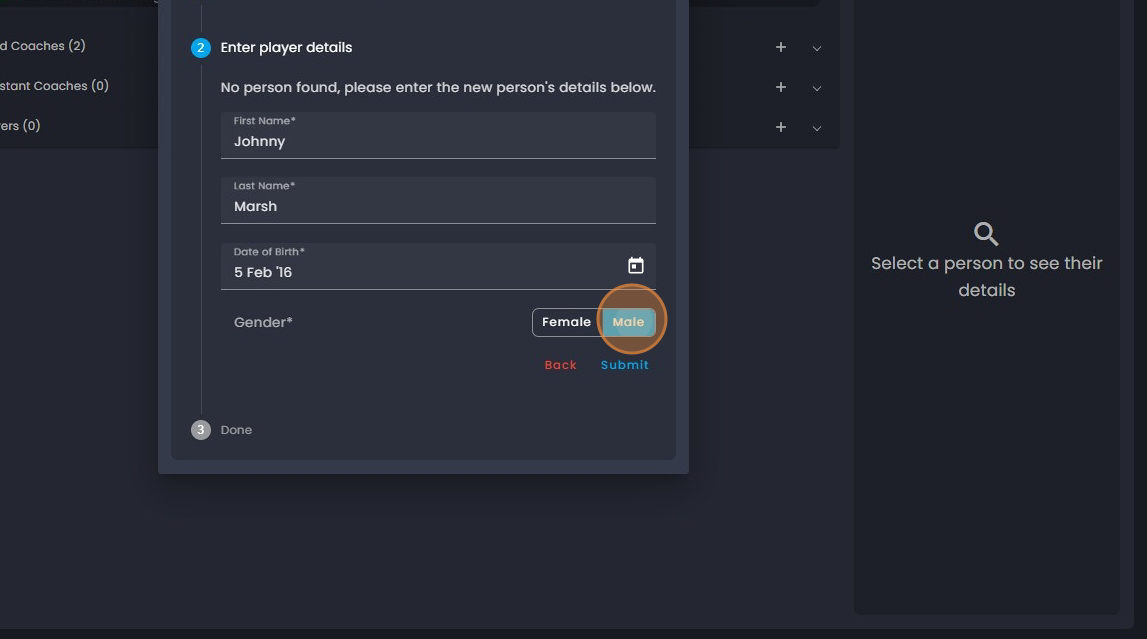
19. Click on "Submit".
20. Click on "Add another player" to add the next player or close when done.21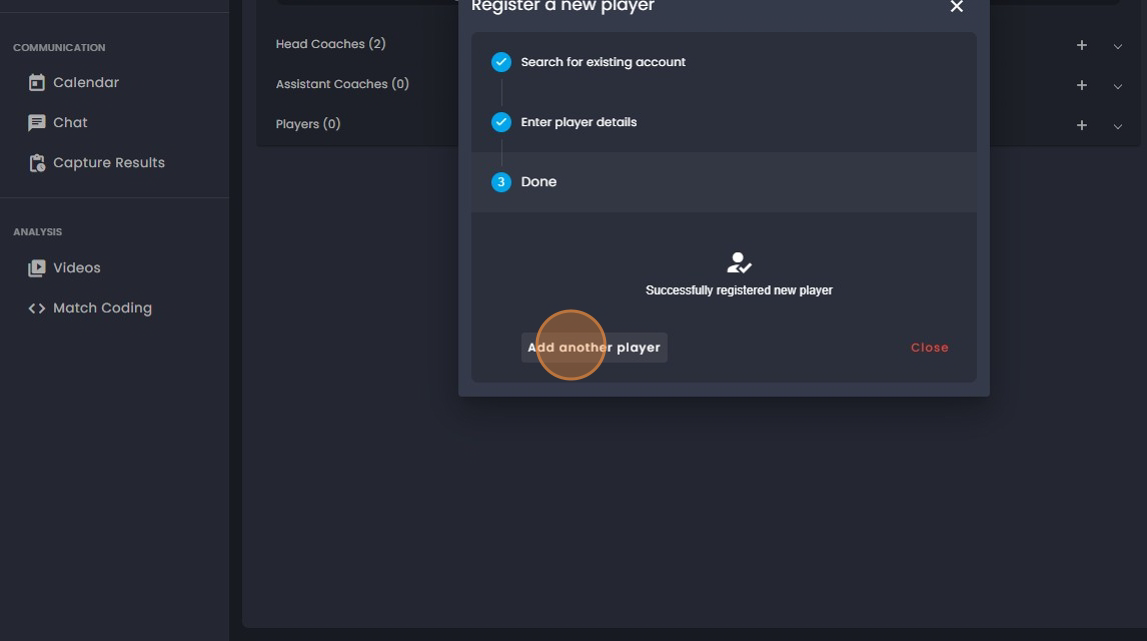
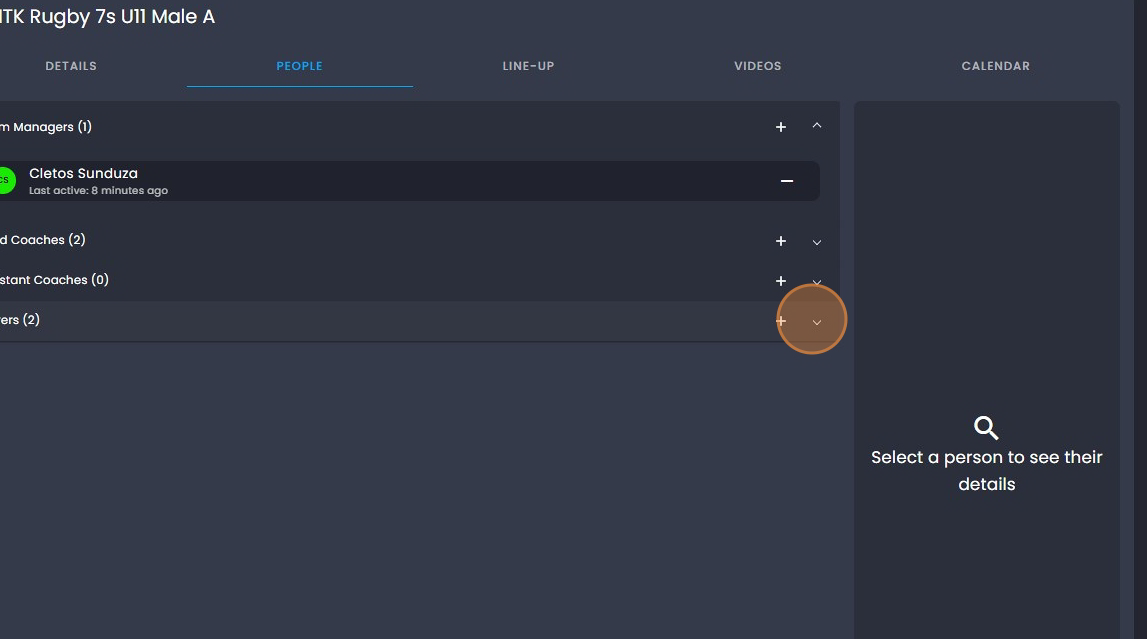
21. To view the players you have added, click on the down arrow.
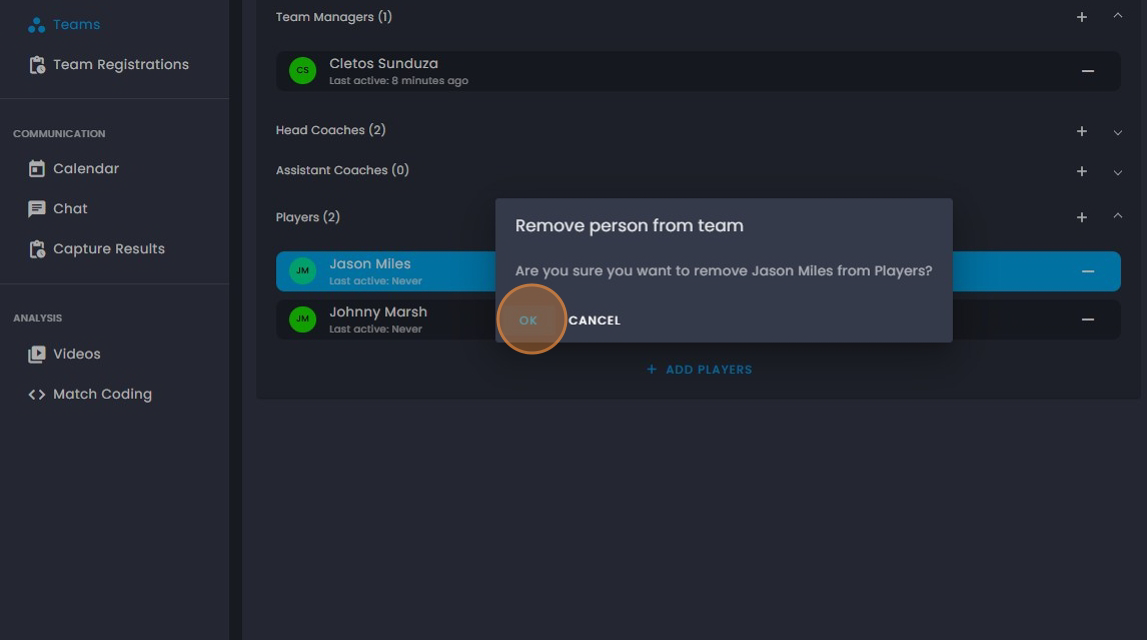
22. To remove a player click on the "-".
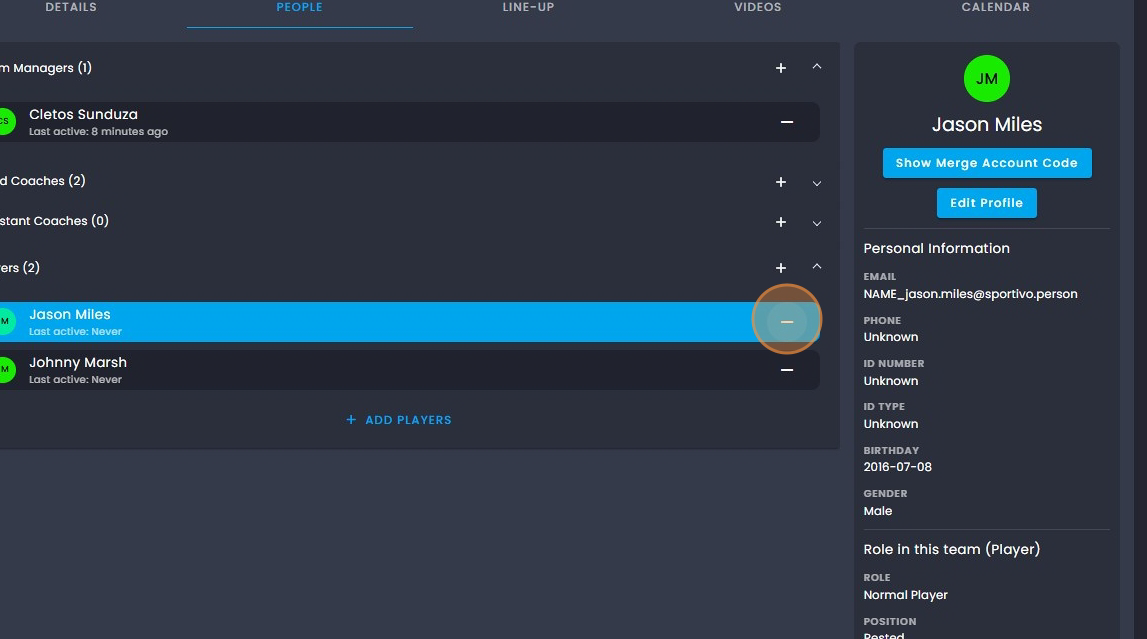
23. Then click "OK".
Was this article helpful?
That’s Great!
Thank you for your feedback
Sorry! We couldn't be helpful
Thank you for your feedback
Feedback sent
We appreciate your effort and will try to fix the article