This guide provides step-by-step instructions on how to update a team sheet for an upcoming match and select the captain and vice captain. It includes navigating to the team management portal, adding players, selecting the captain and vice captain, and saving the changes. It also covers removing players from the starting lineup. Following this guide will ensure a smooth and organized process for managing a team for an upcoming match.
- Navigate to https://sportivo.app/v3/#/auth/sign-in
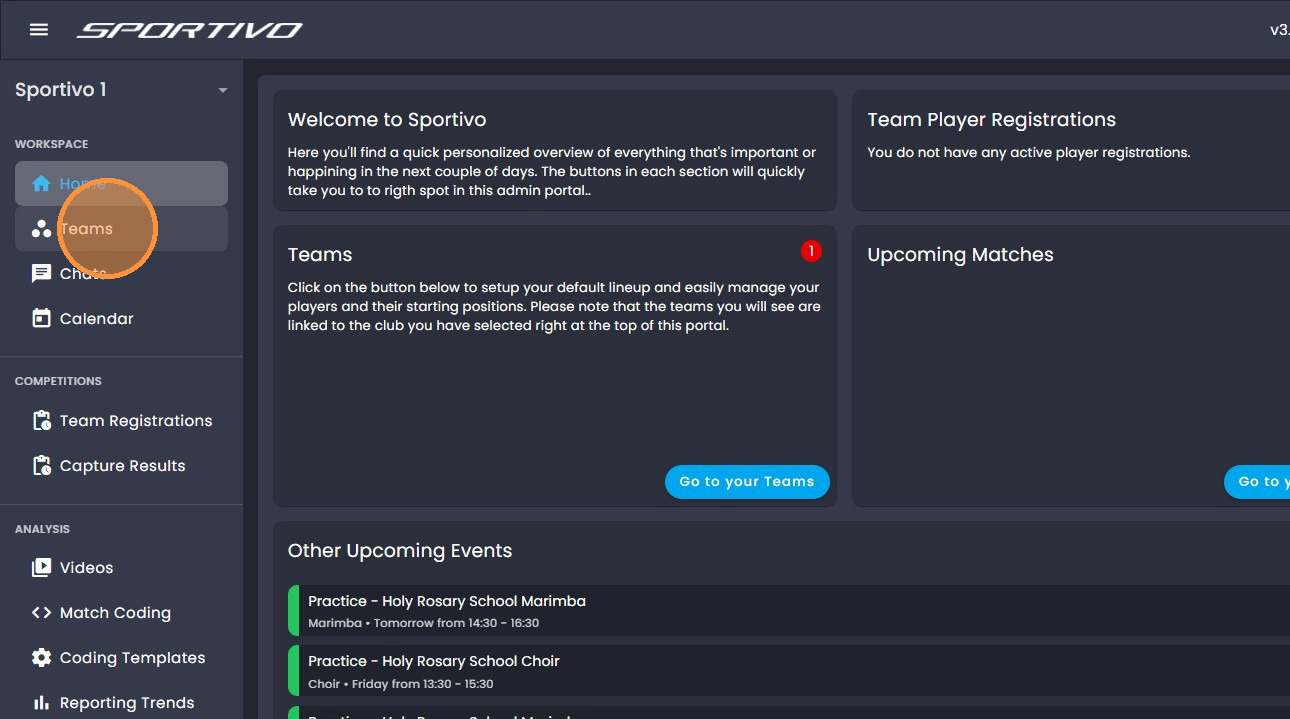
- Click "Teams" through the toolbar on the left of the screen.
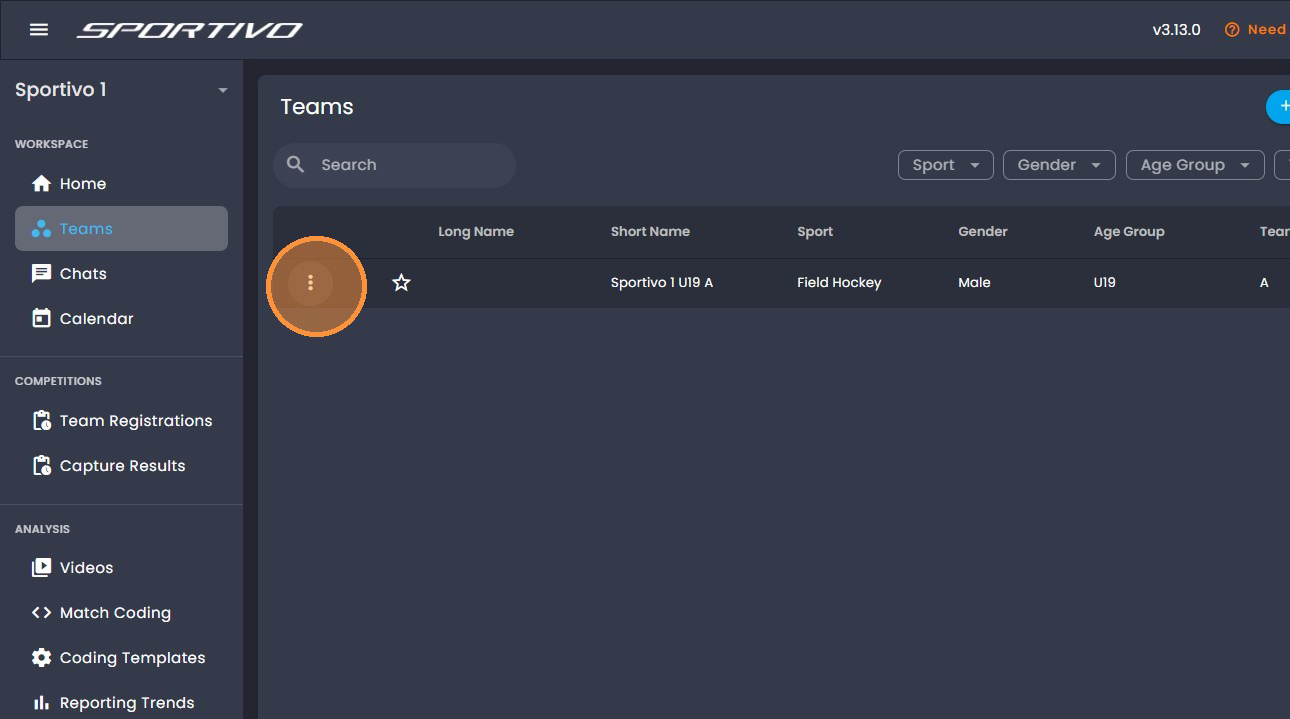
- Find your team and click on the "3 dots".
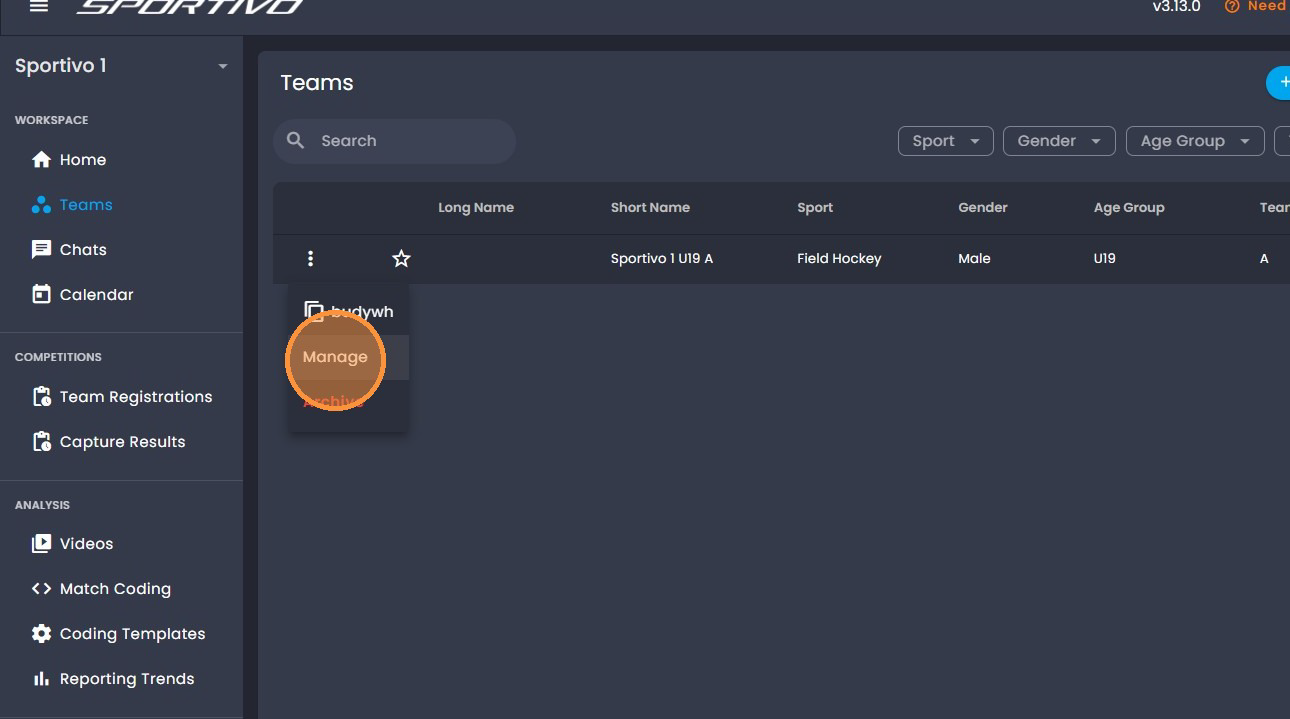
- Select "Manage"
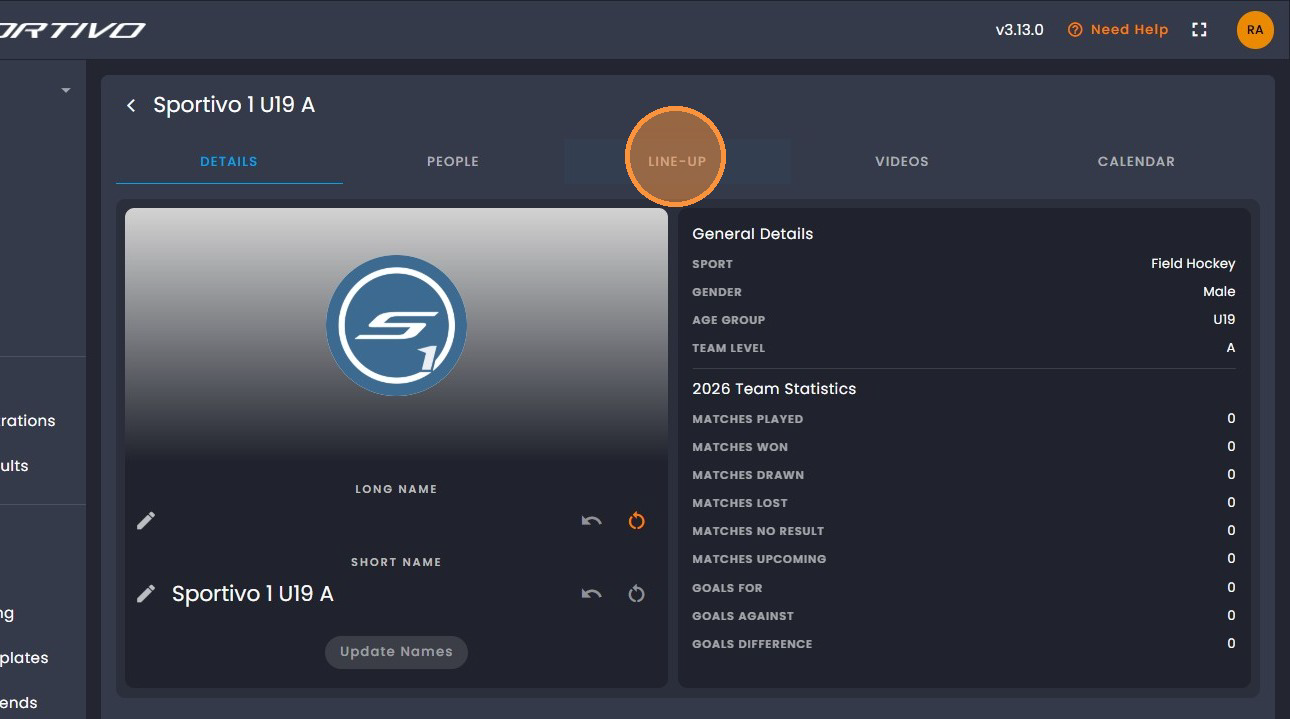
- Click on the 'Line Up' tab at the top.
- To select a different line up formation click here.
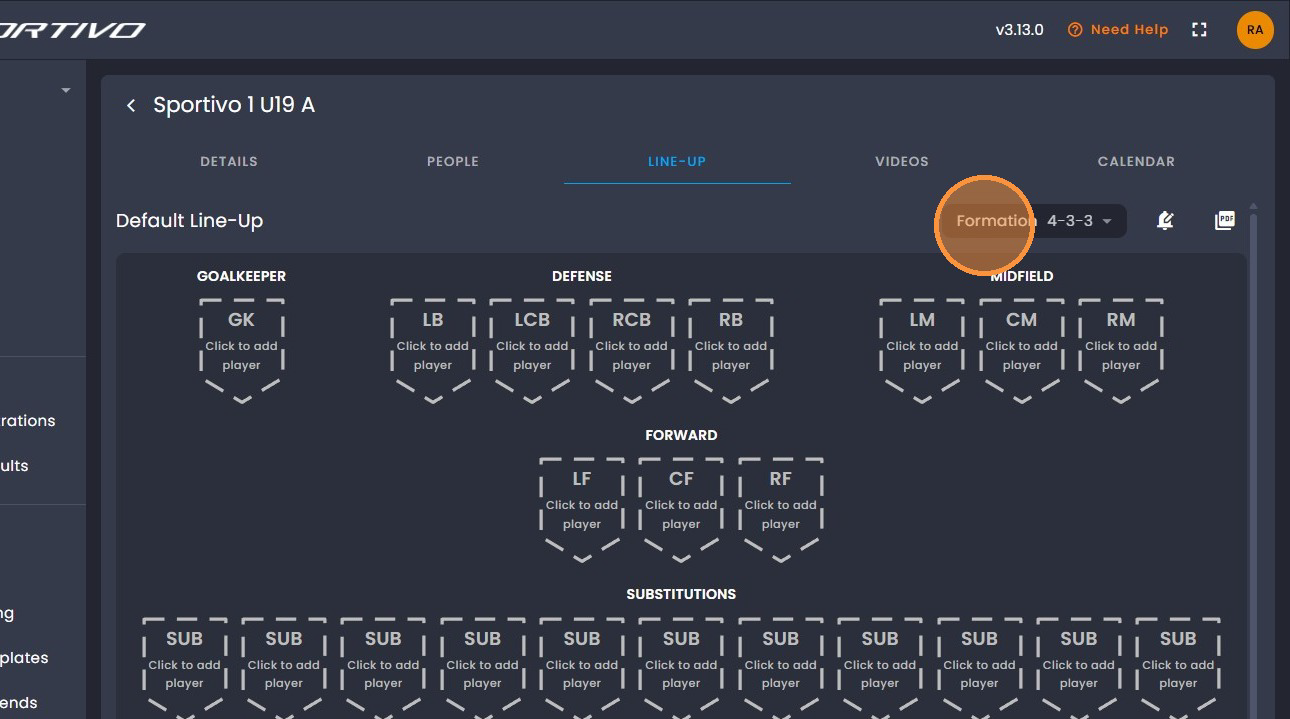
- Select the formation you would like to make use of.
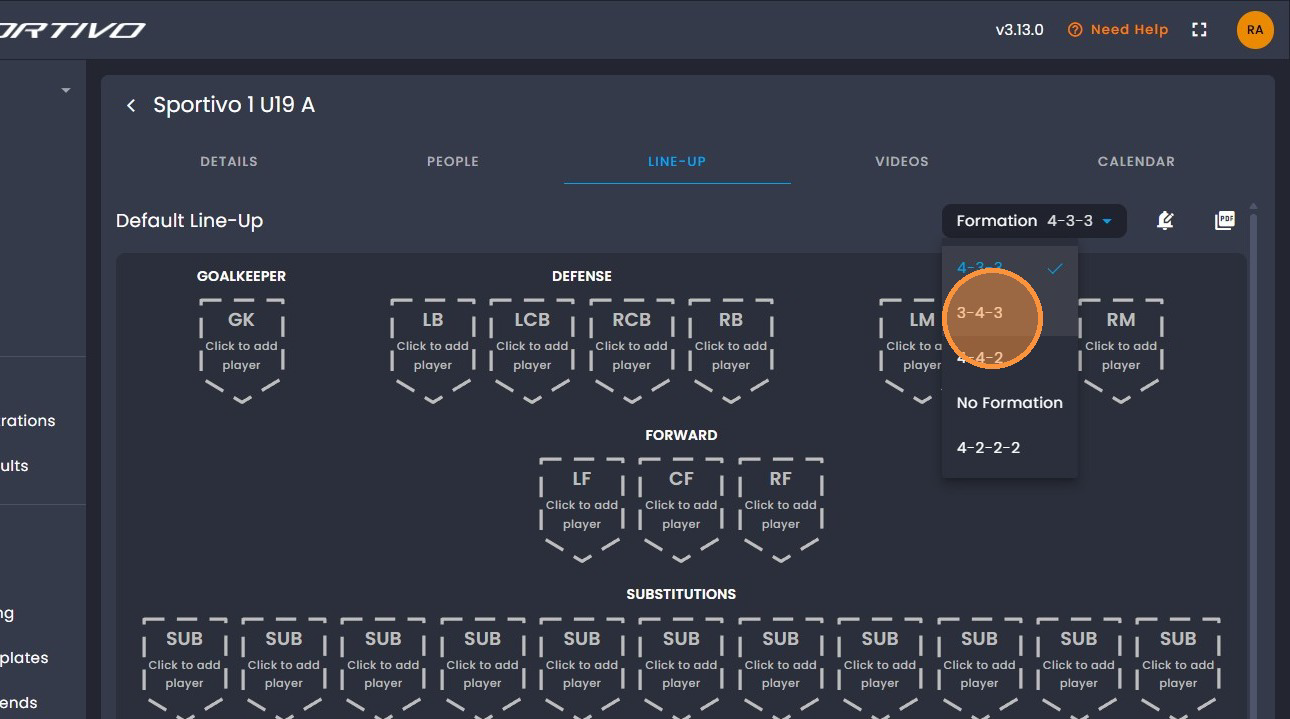
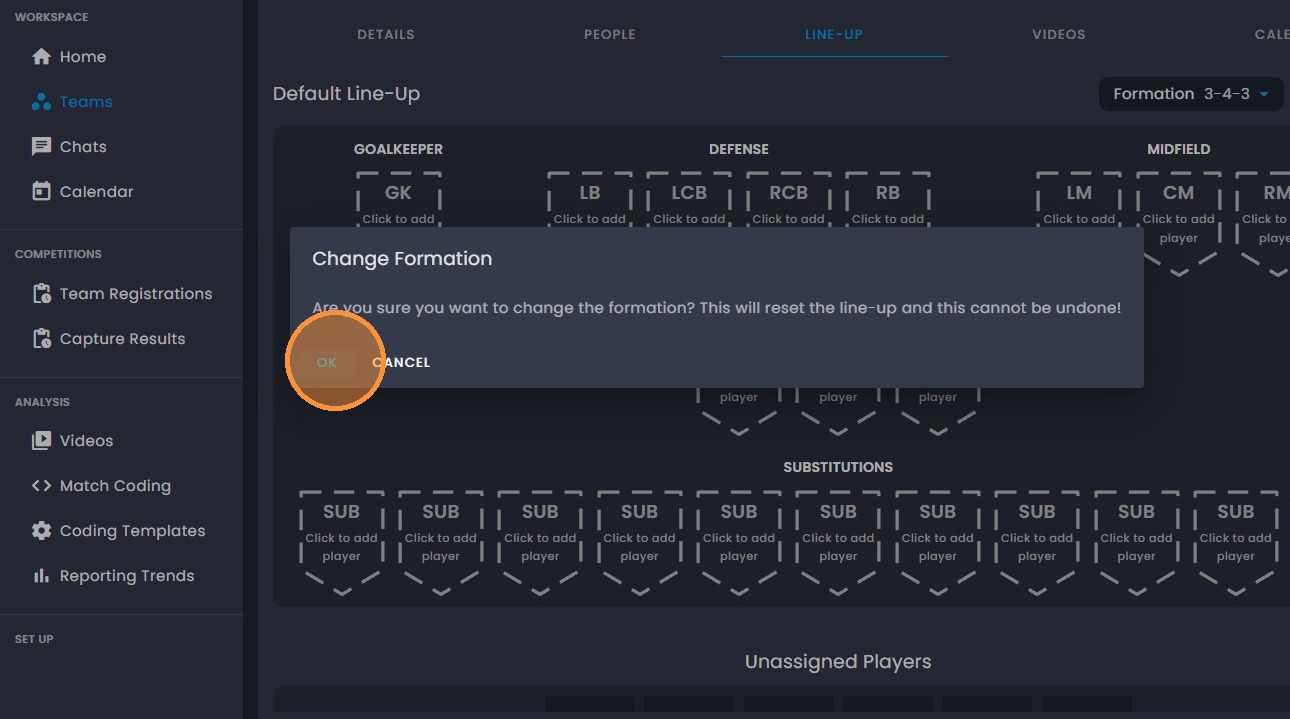
- Click " Ok".
- Click the desired position to add a player.
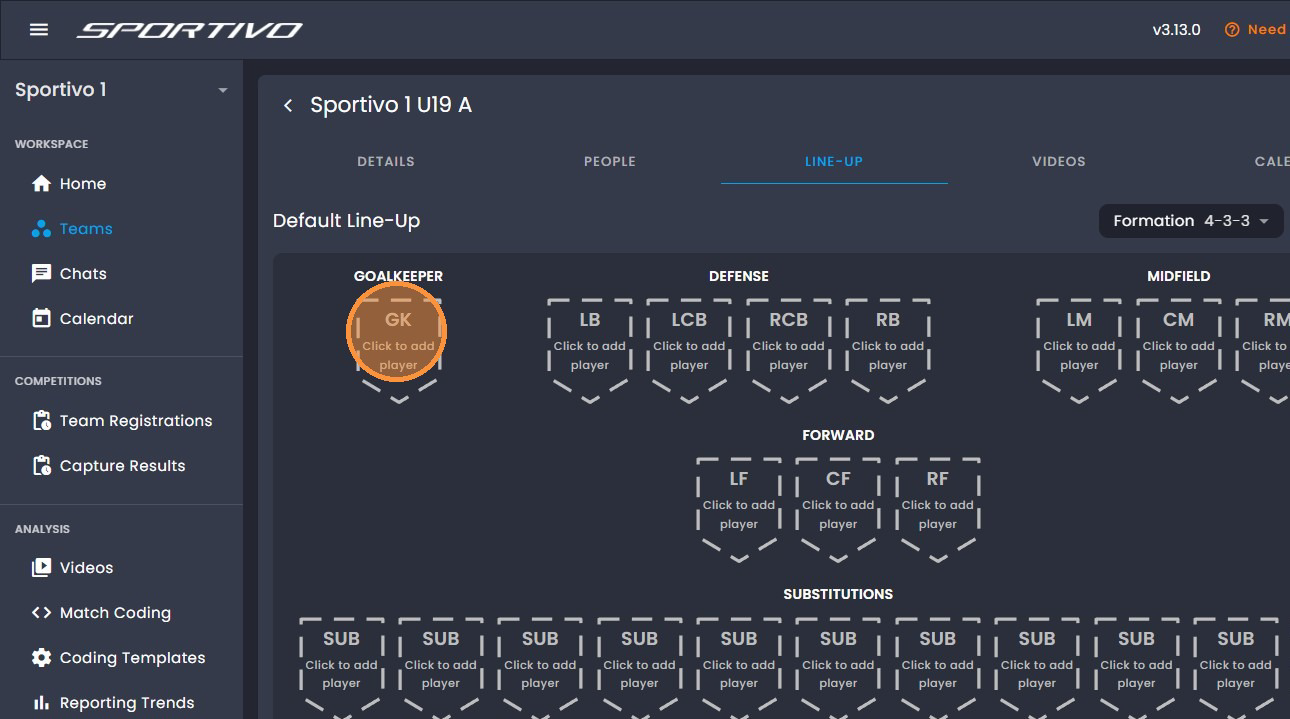
- Choose the player you would like to add to the position.
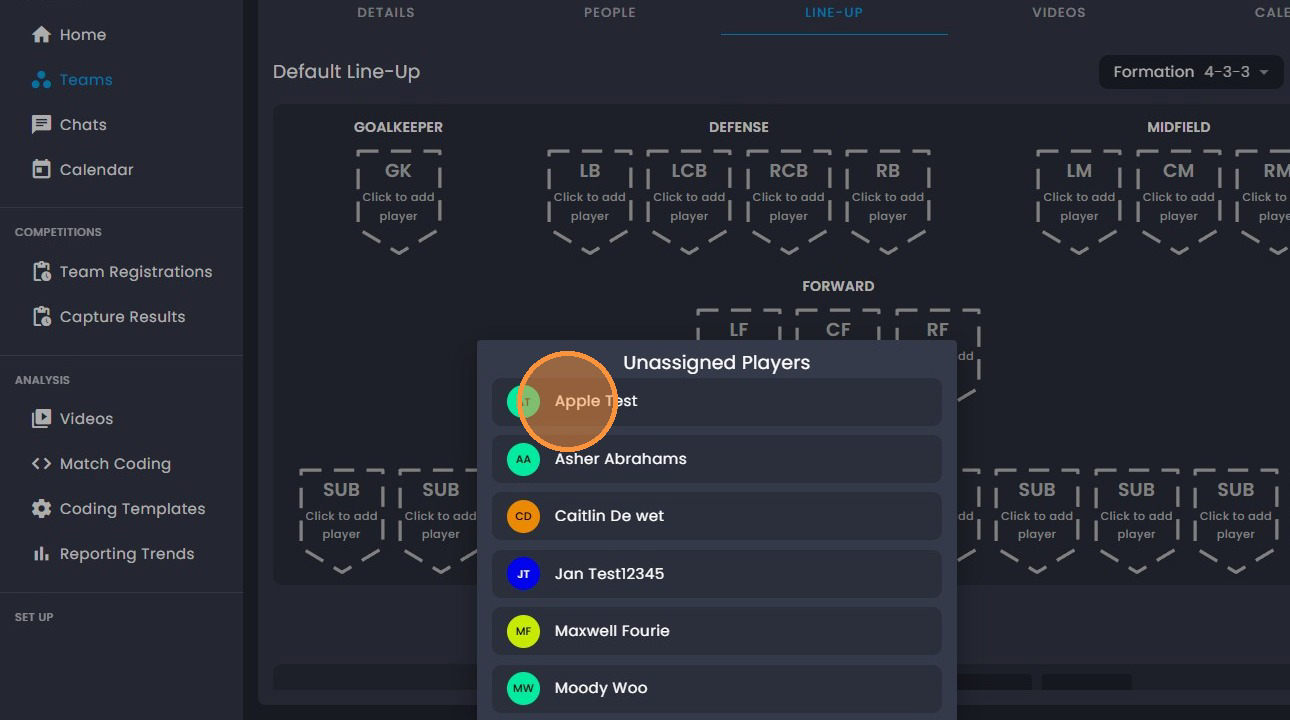
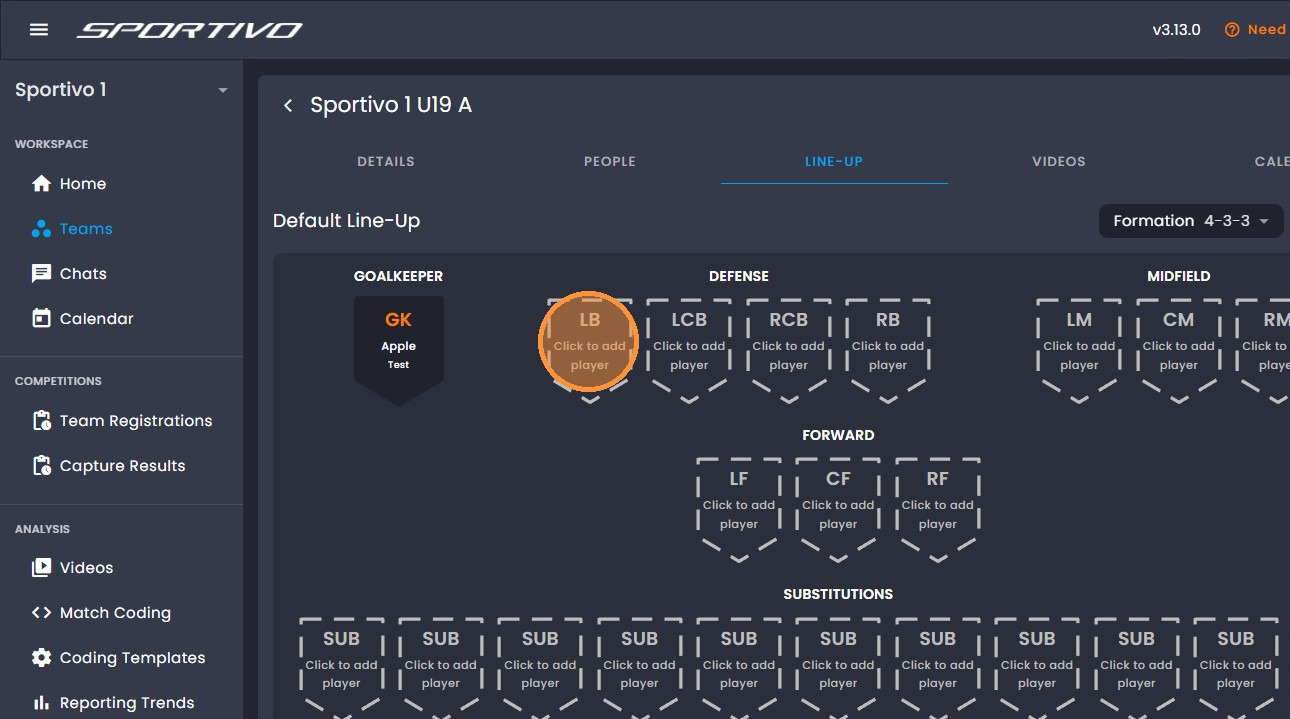
- You will see that your player has been selected. Click the next position you would like to add a player to.
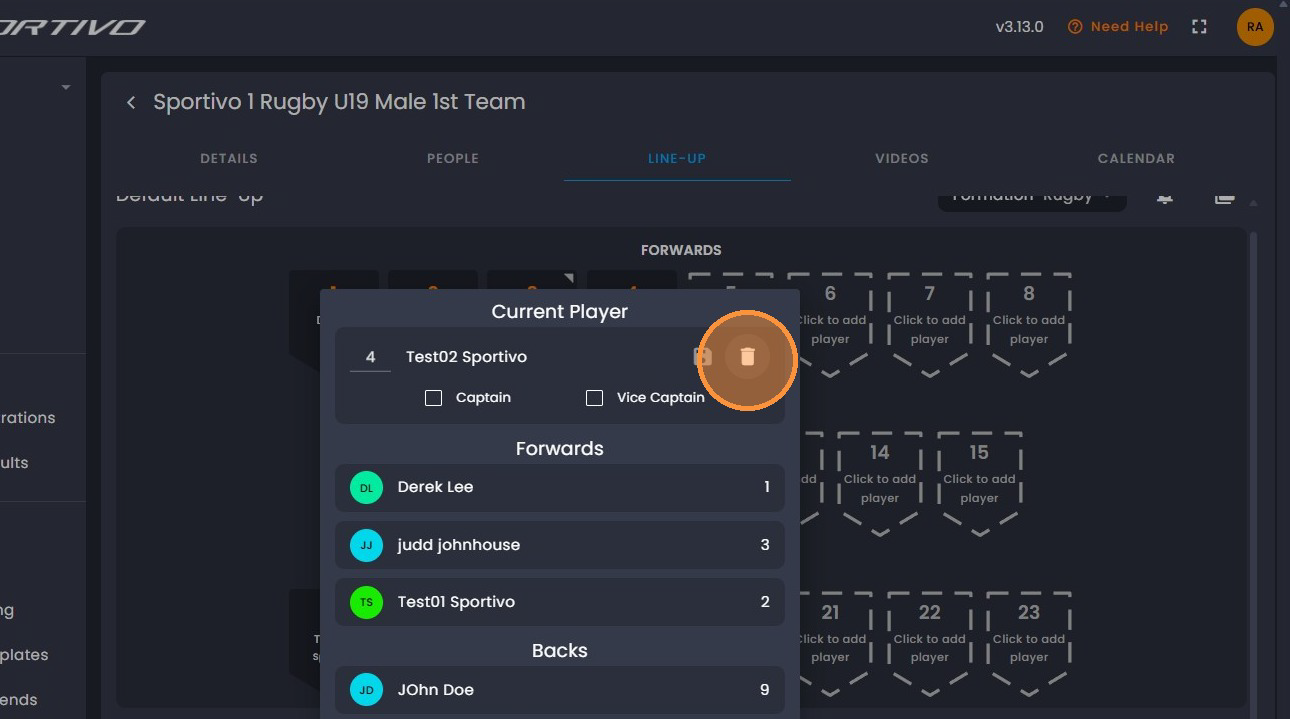
- If you would like to remove a player from the starting line up, click on the player and click on the "bin icon'.
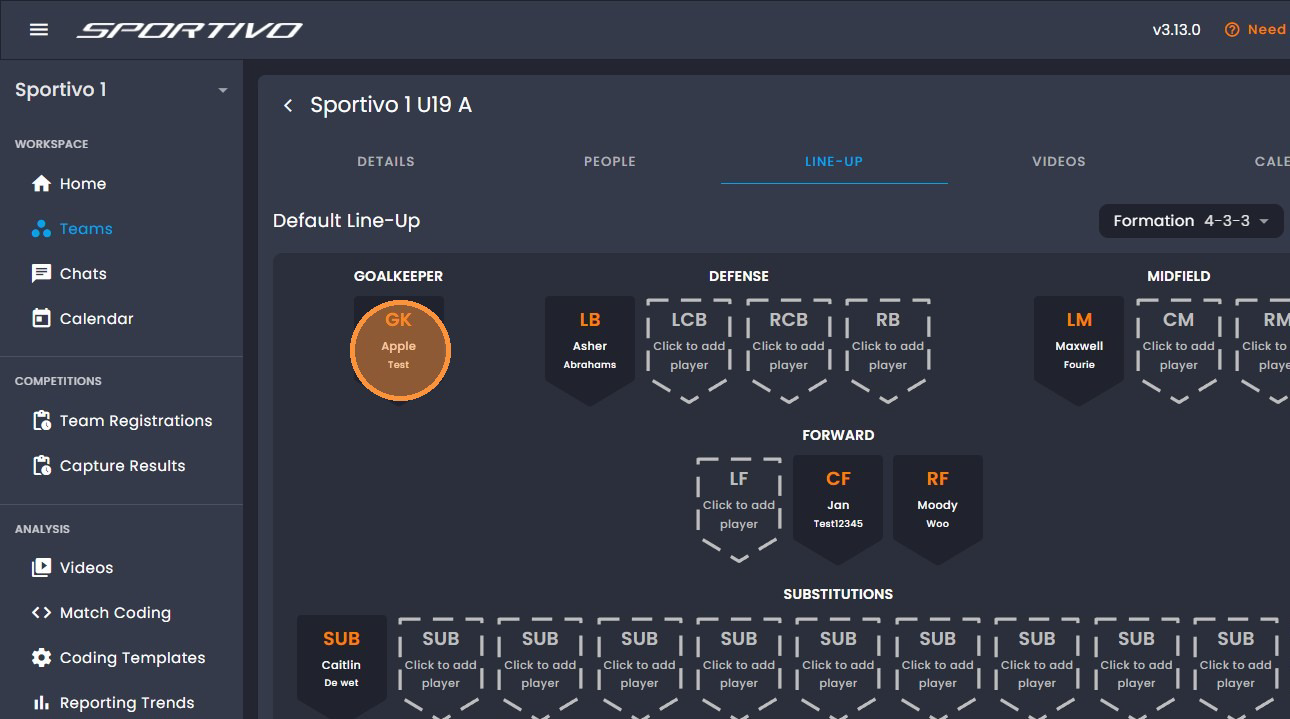
- To add a number to a player, click on the player.
- Click on the "No:' Tab and enter the number you would like to assign to the player.
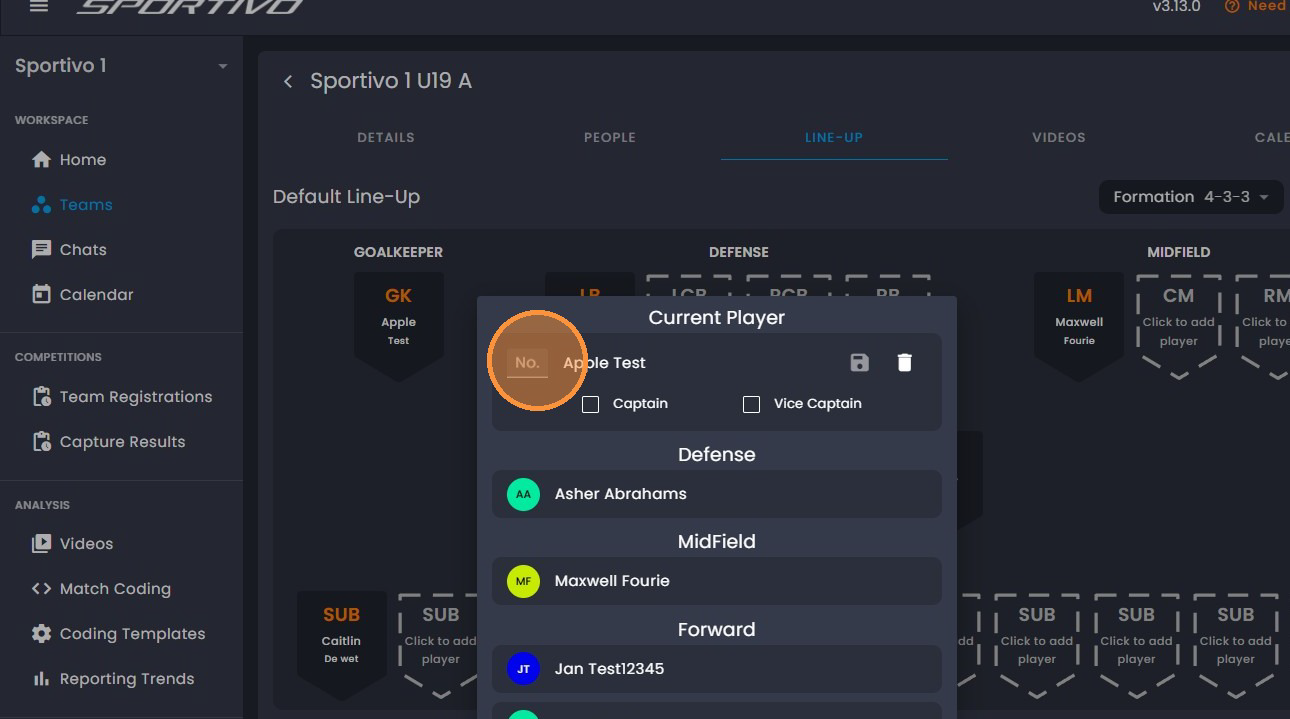
- Click, "Save".
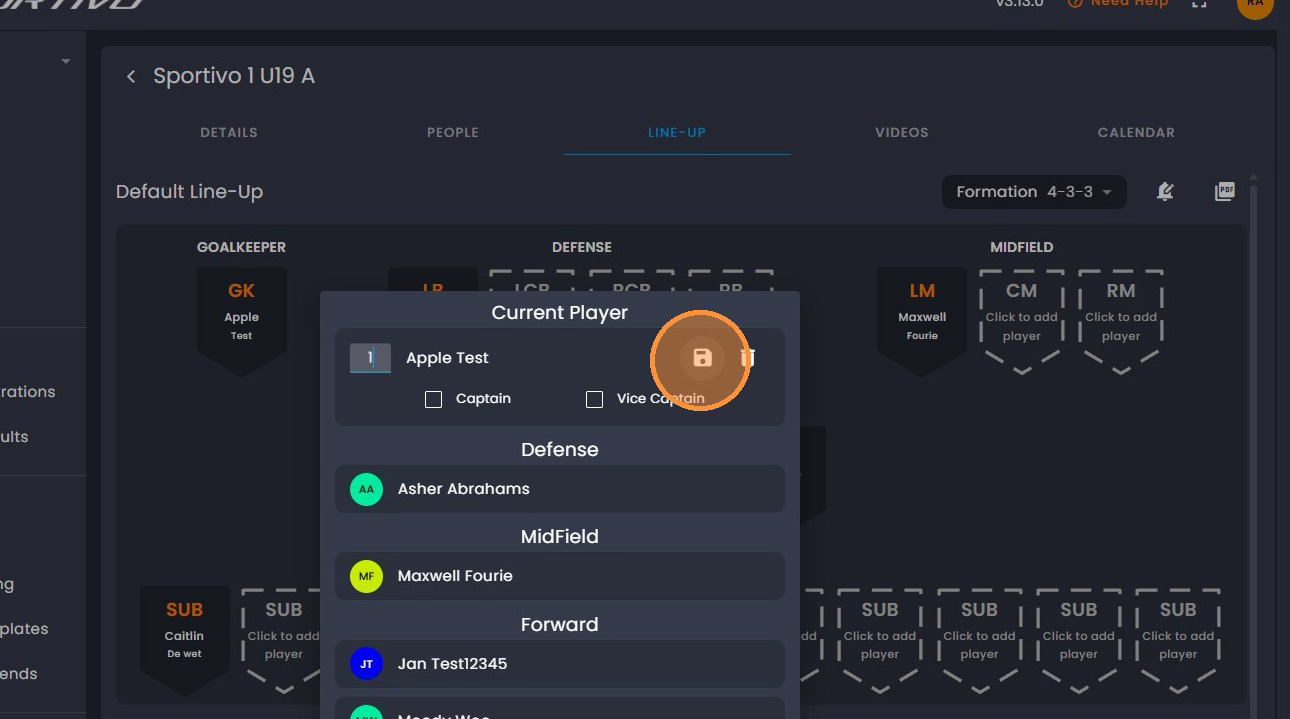
- To select your Captain, click on the appropriate player.
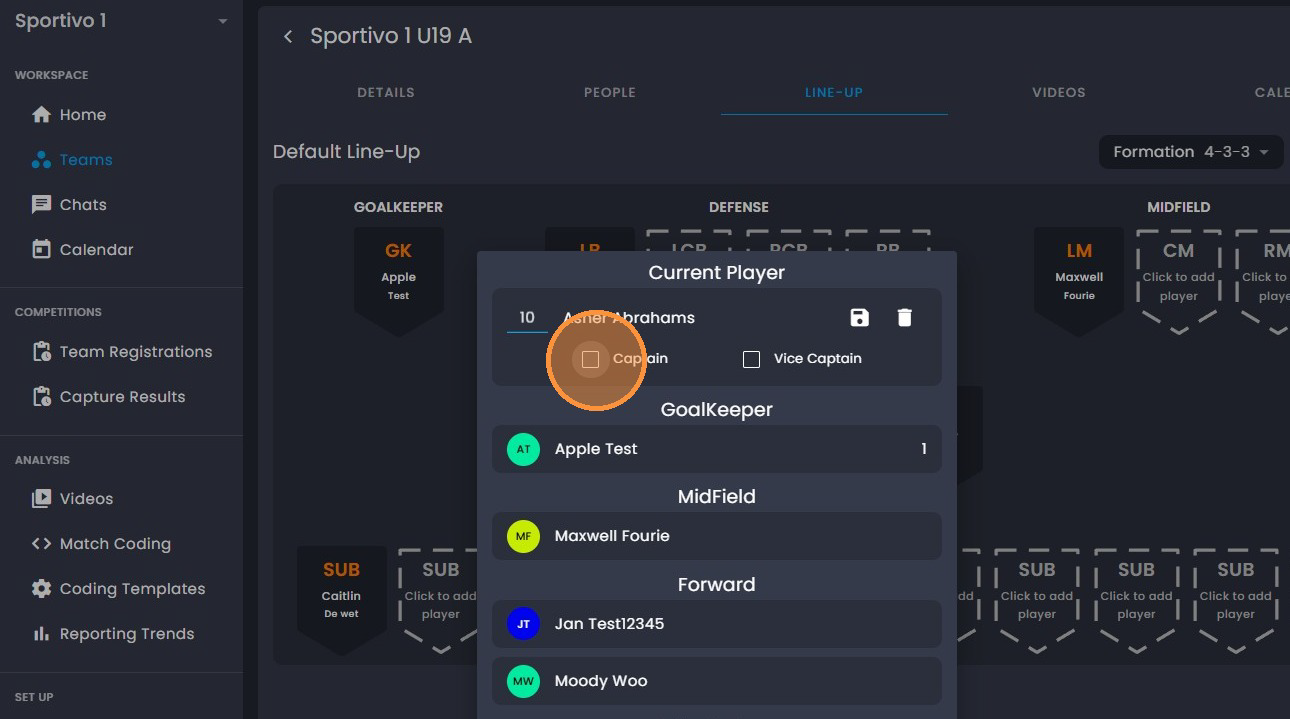
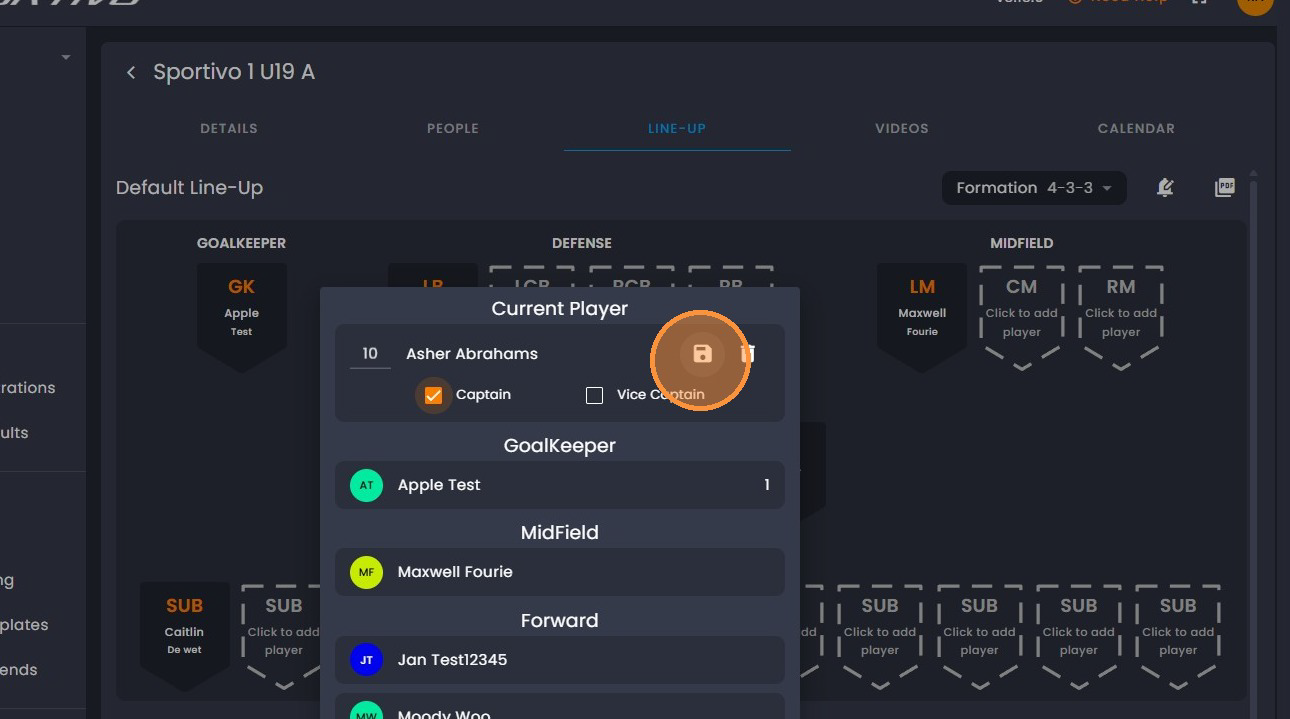
- Click, "Save". You will follow the same steps to add the Vice Captain.
Was this article helpful?
That’s Great!
Thank you for your feedback
Sorry! We couldn't be helpful
Thank you for your feedback
Feedback sent
We appreciate your effort and will try to fix the article