This guide explains how to easily generate a QR code or shareable link on Sportivo, allowing players, parents, coaches, and supporters to follow a specific sport. Users can quickly access the Sportivo app, follow the selected sport, and receive real-time updates including fixtures, results, announcements, and notifications.
1. Navigate to https://sportivo.app/v3/#/auth/sign-in
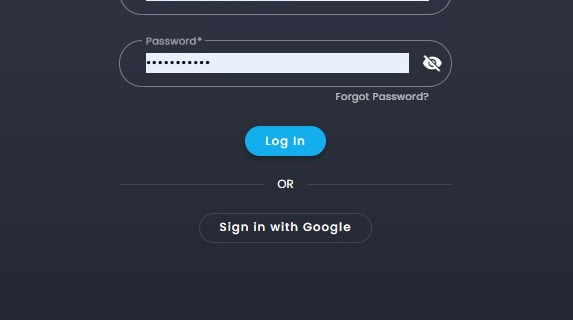
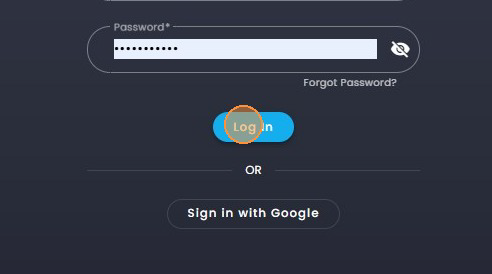
2. Click on "Log In".
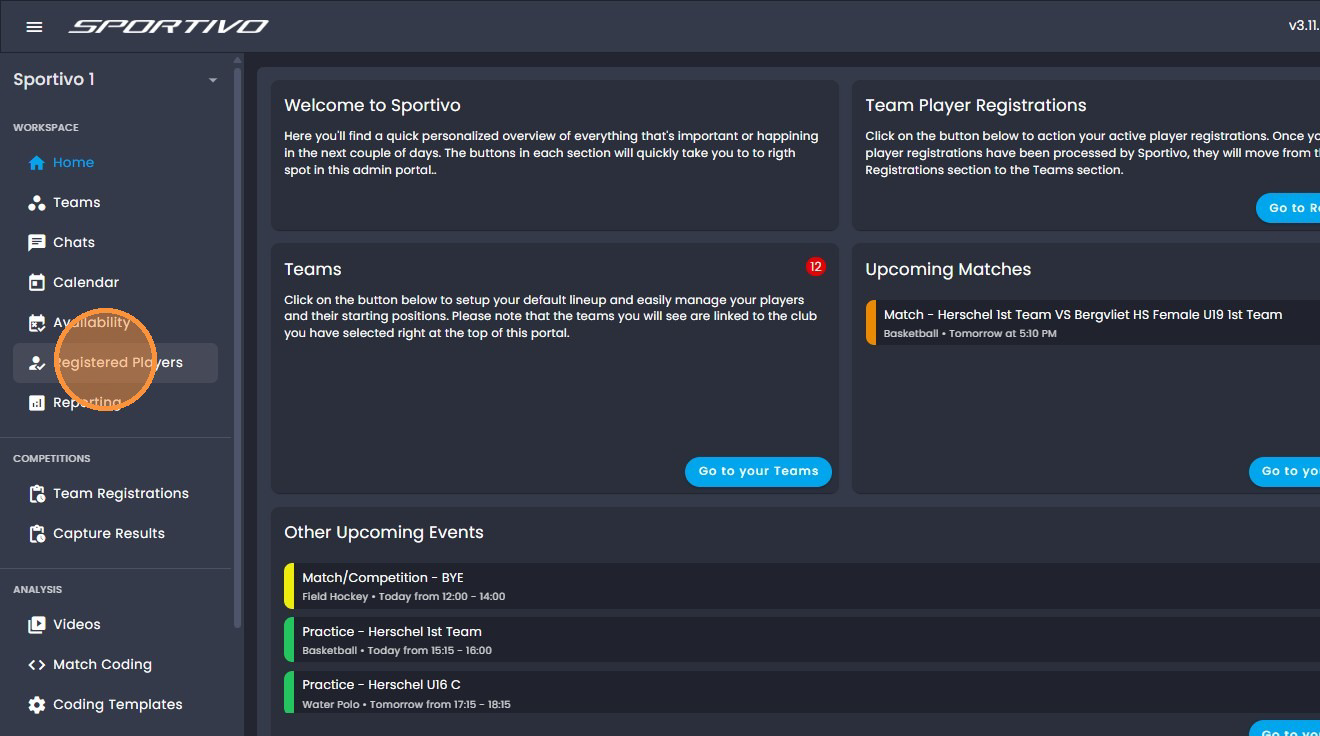
3. Click on "Registered Players"
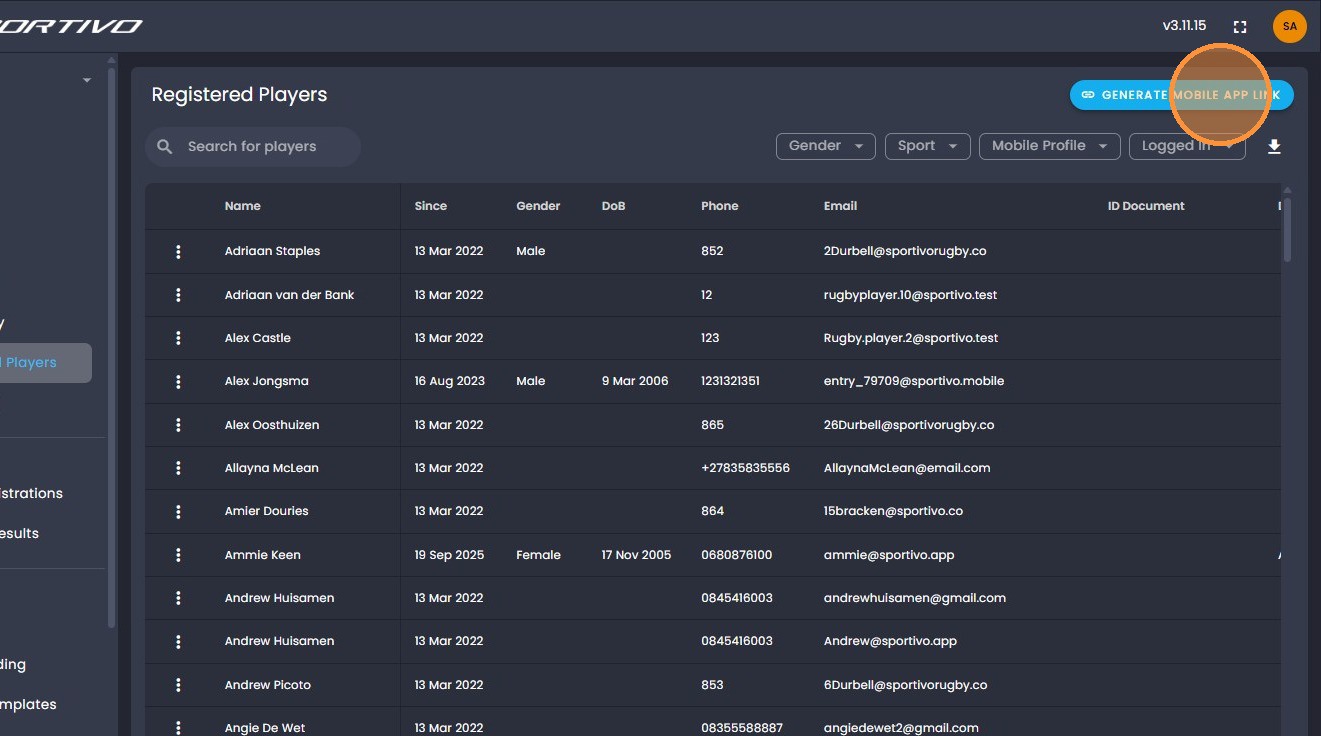
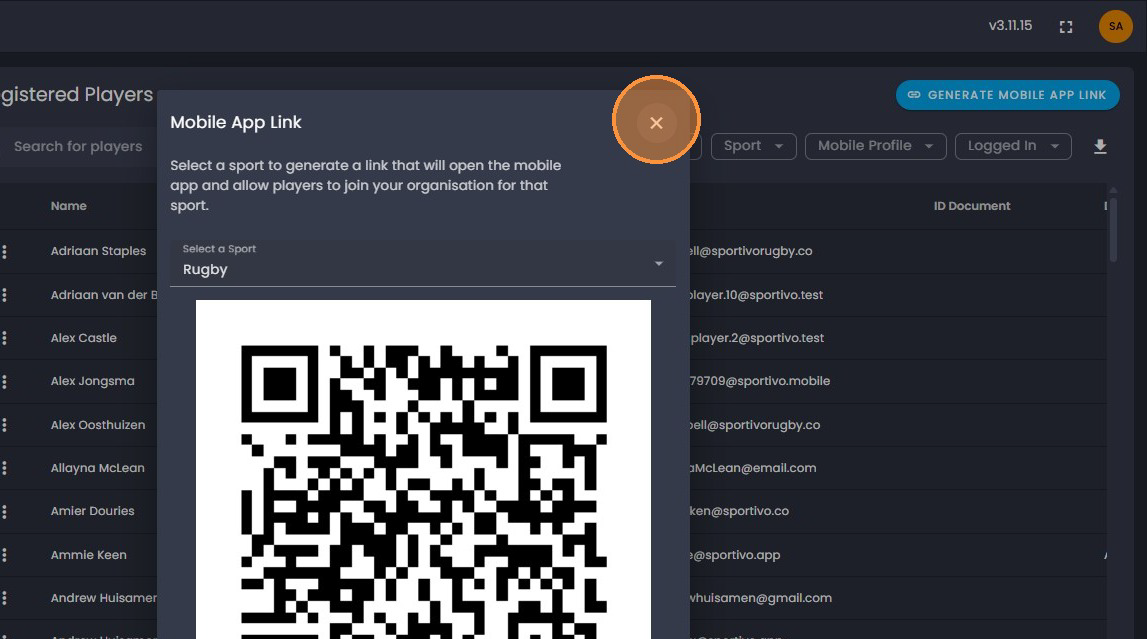
4. Click on "Generate Mobile App Link".
5. Click on " Select a Sport".
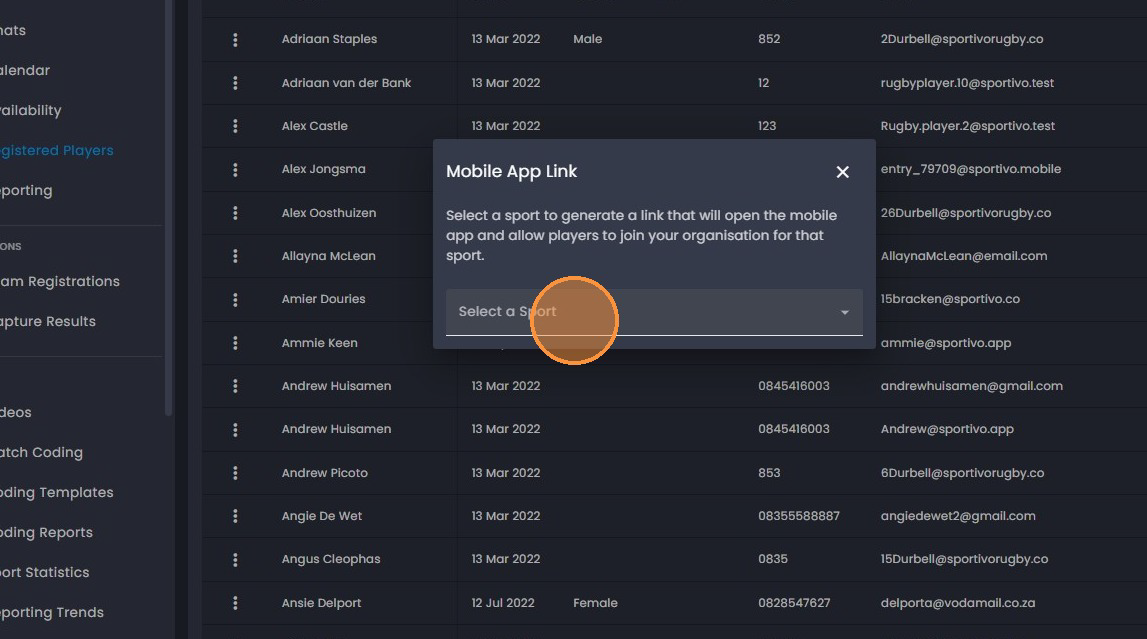
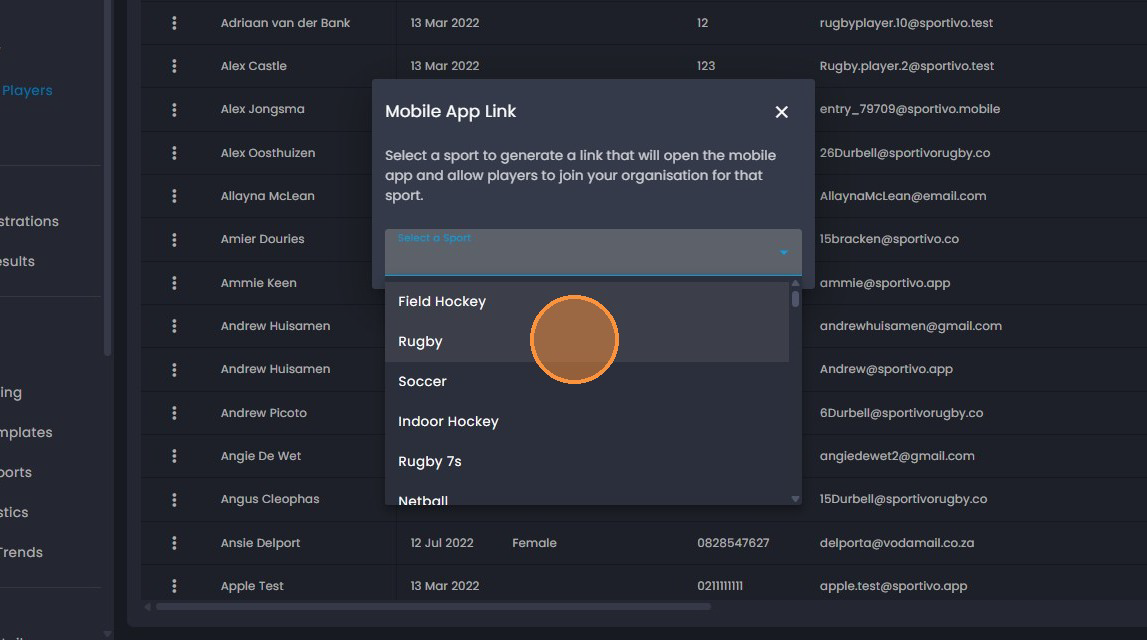
6. Select the sport you would like to generate the QR code for.
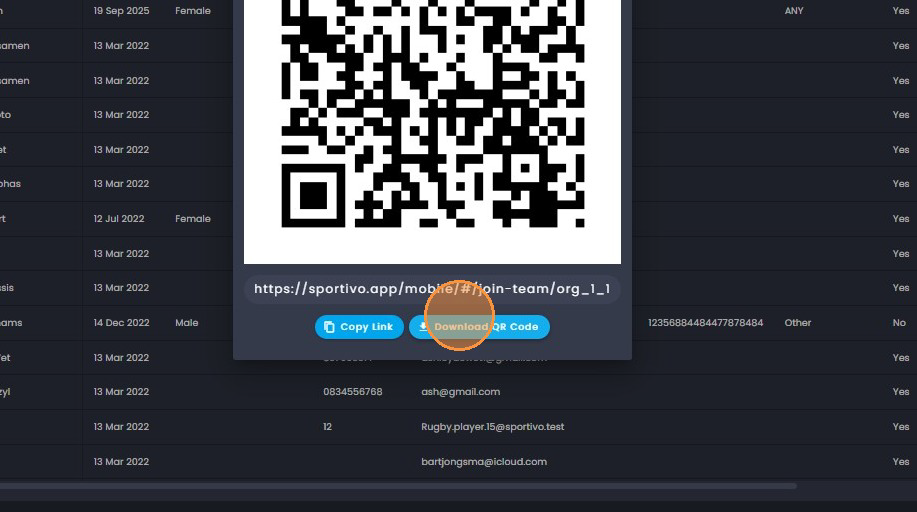
7. You can download the QR code image and send this to everyone that would like to be
added to the specific sport.
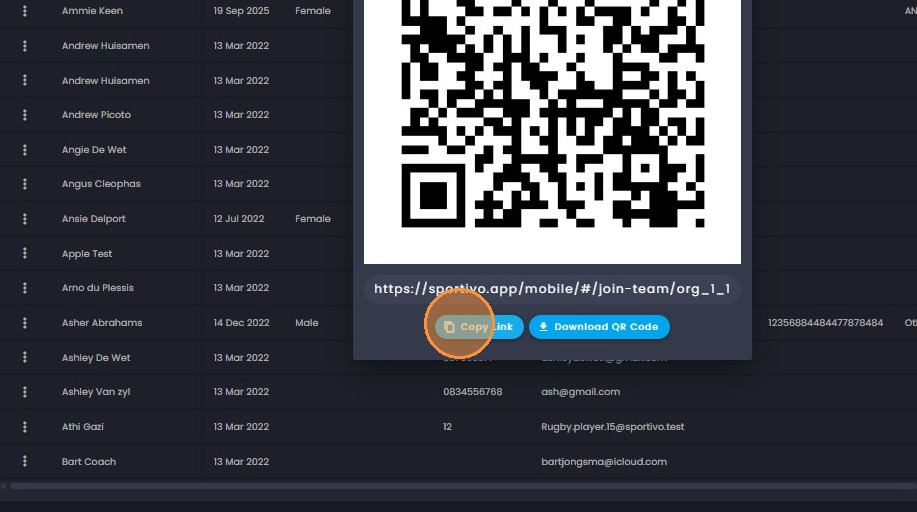
8. You can click on the copy icon to copy the link and share with everyone that would
like to follow the sport.
9. Click on the "x" to exit when done.
Was this article helpful?
That’s Great!
Thank you for your feedback
Sorry! We couldn't be helpful
Thank you for your feedback
Feedback sent
We appreciate your effort and will try to fix the article